

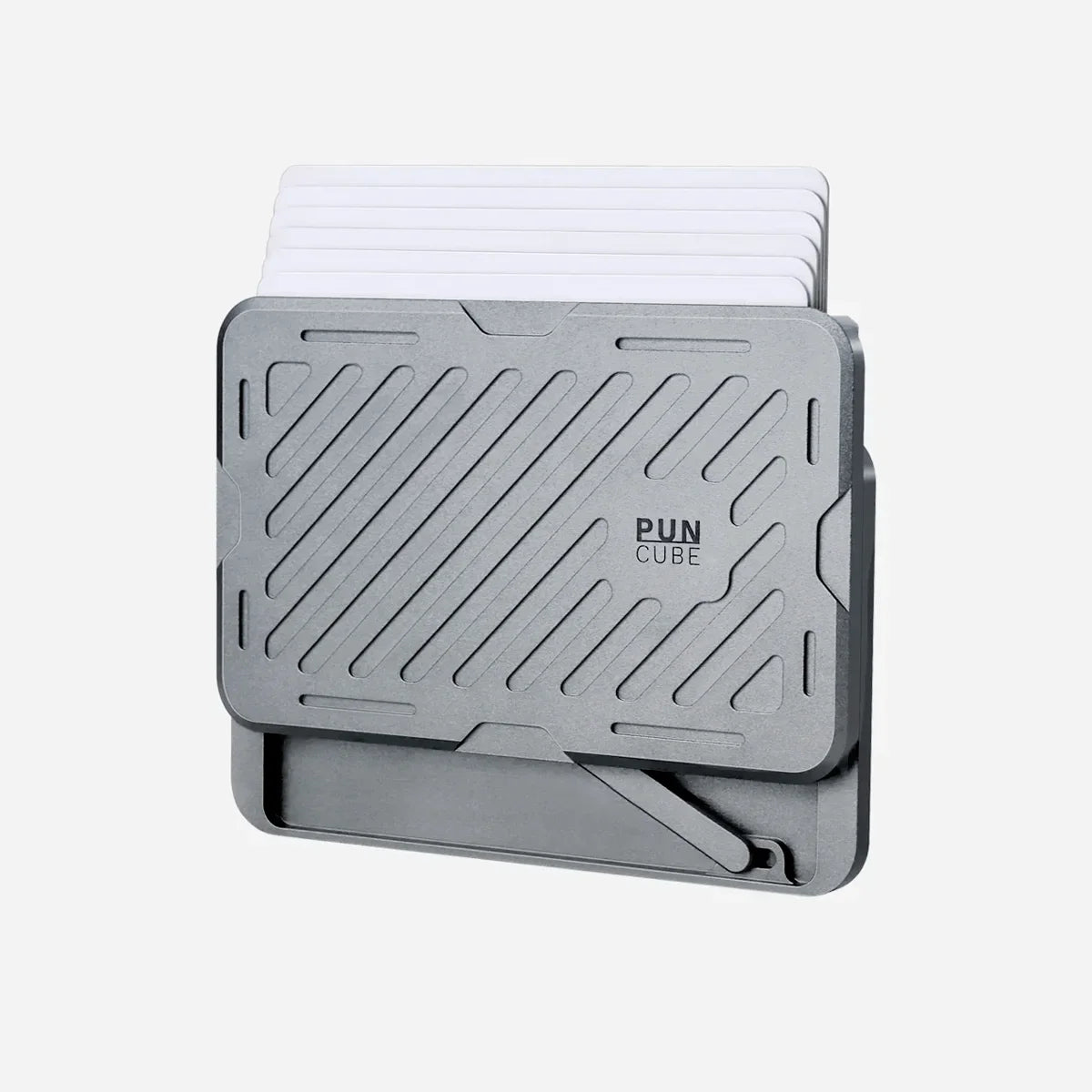
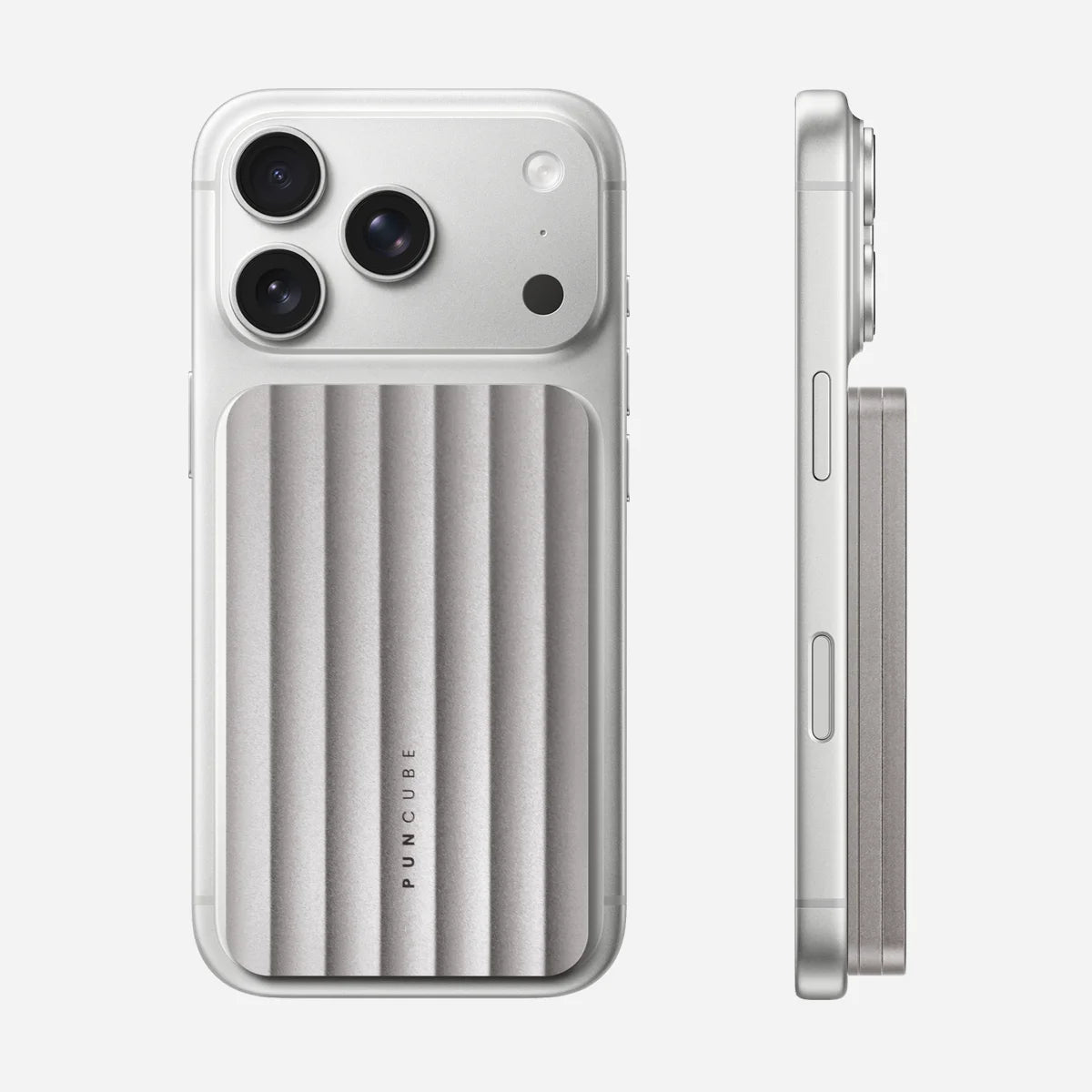
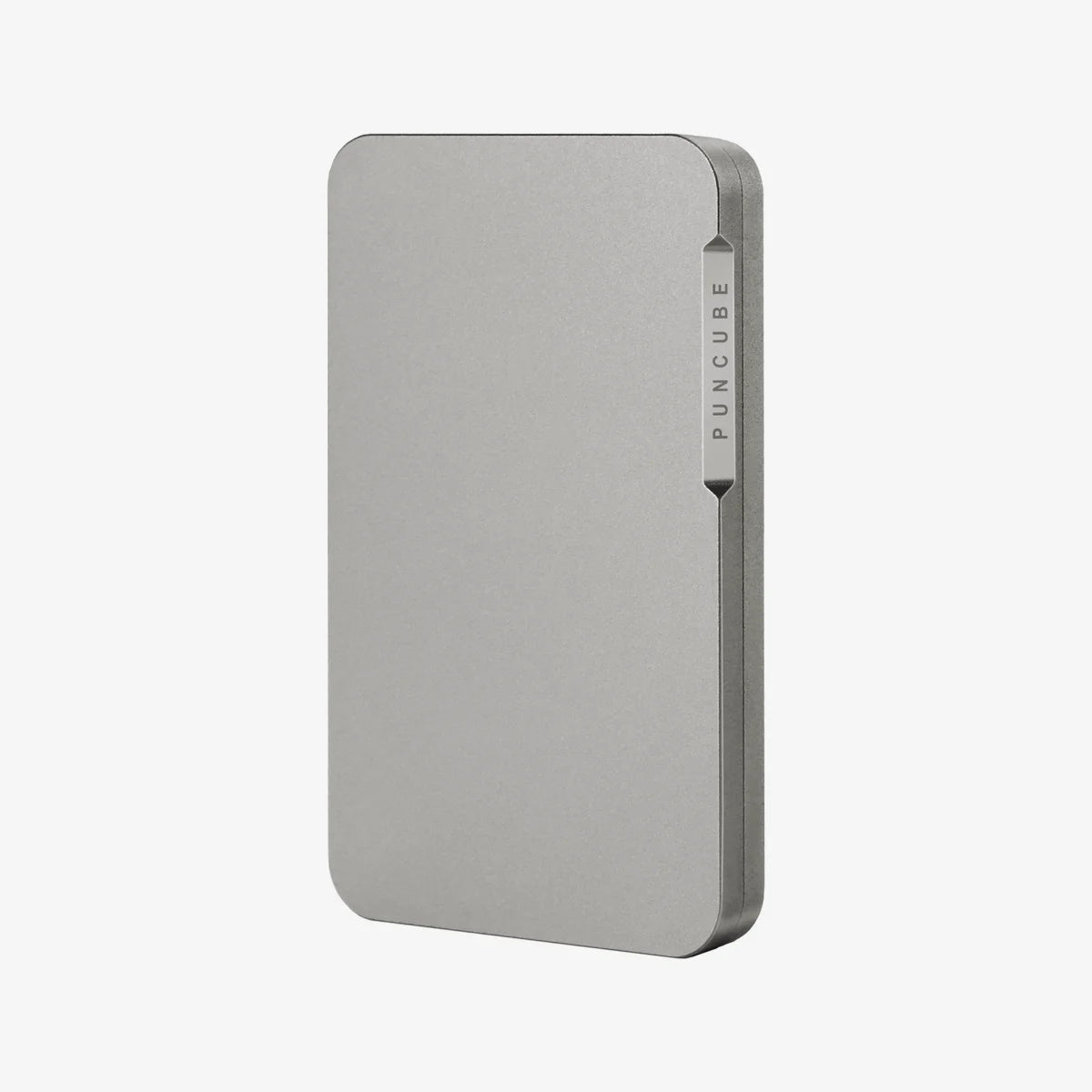
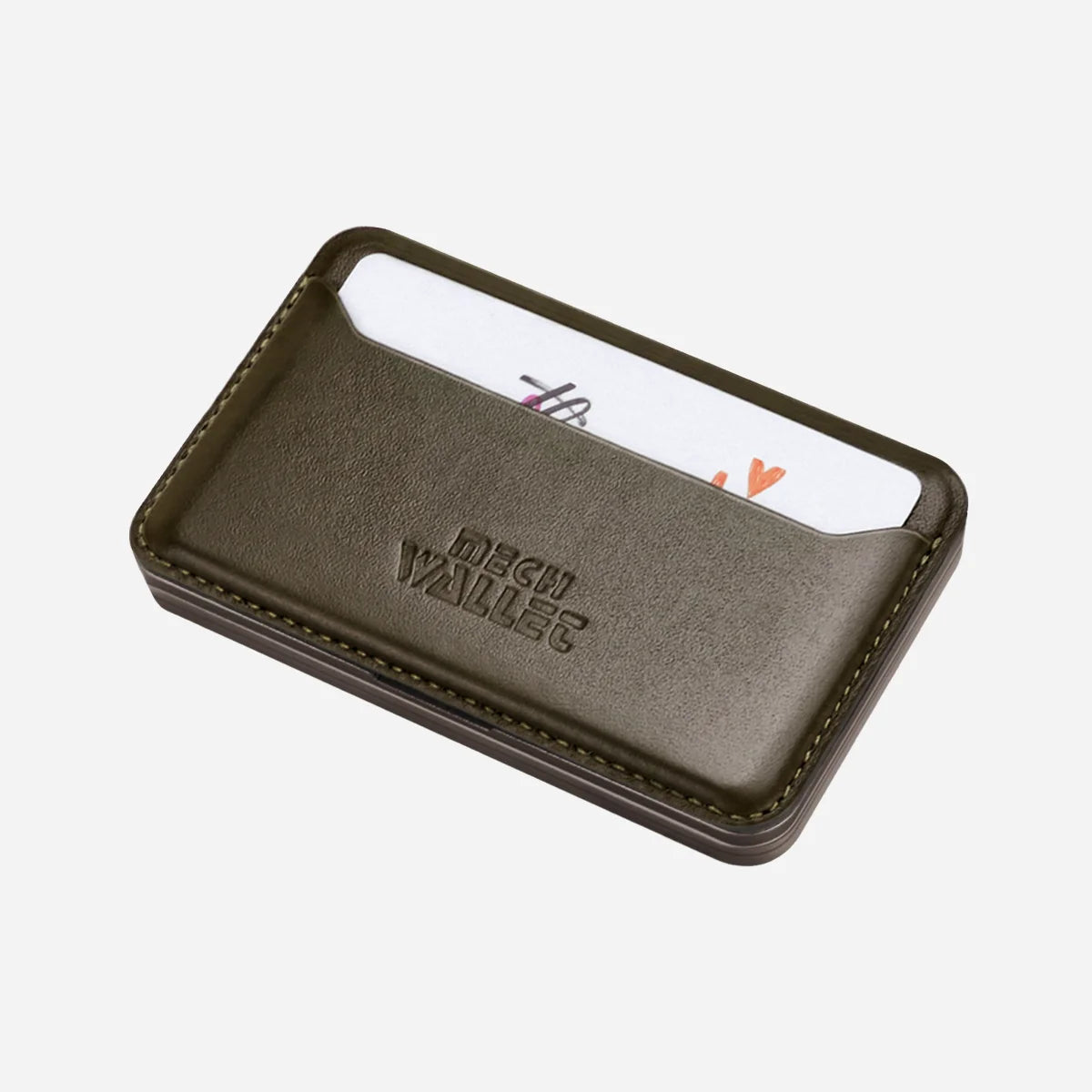
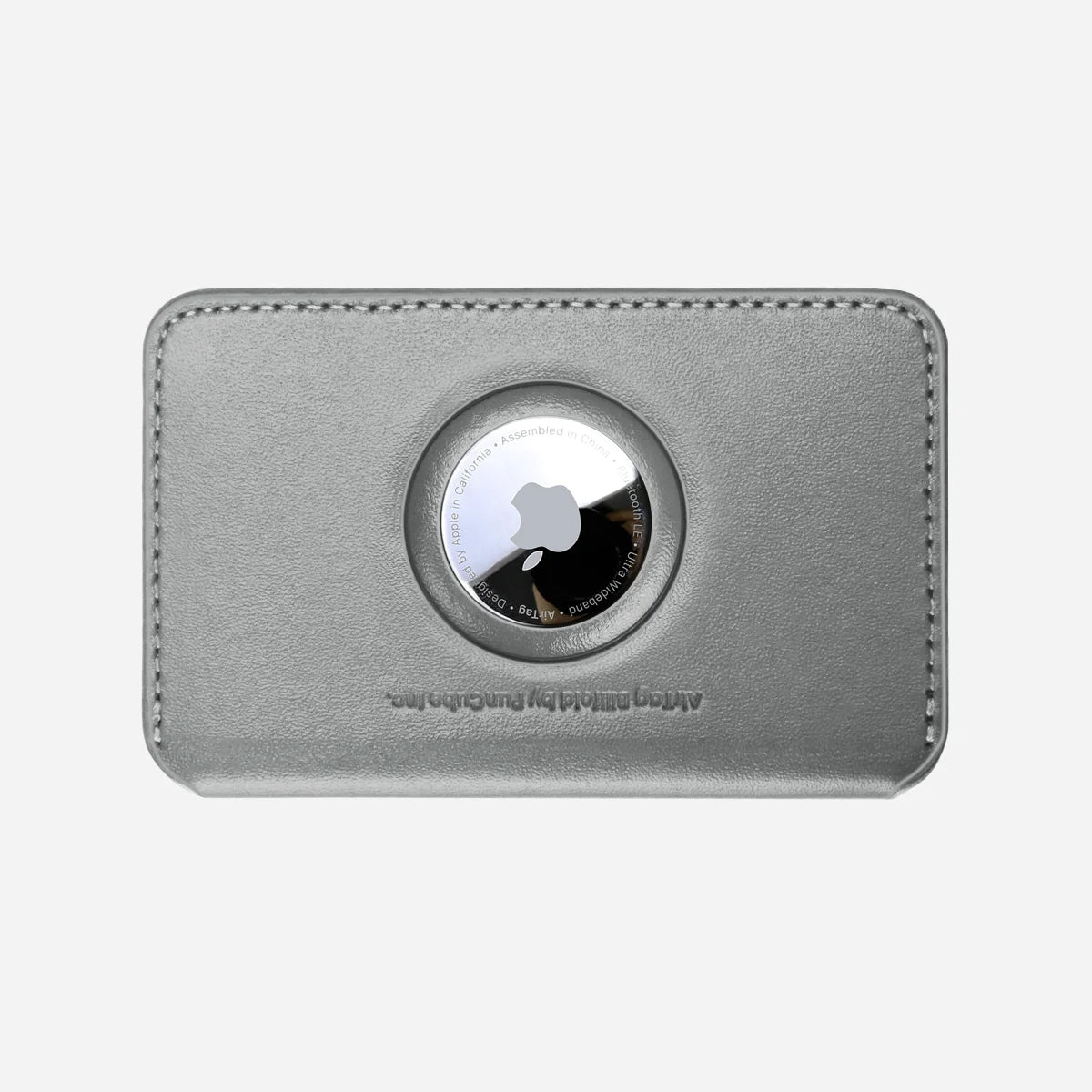
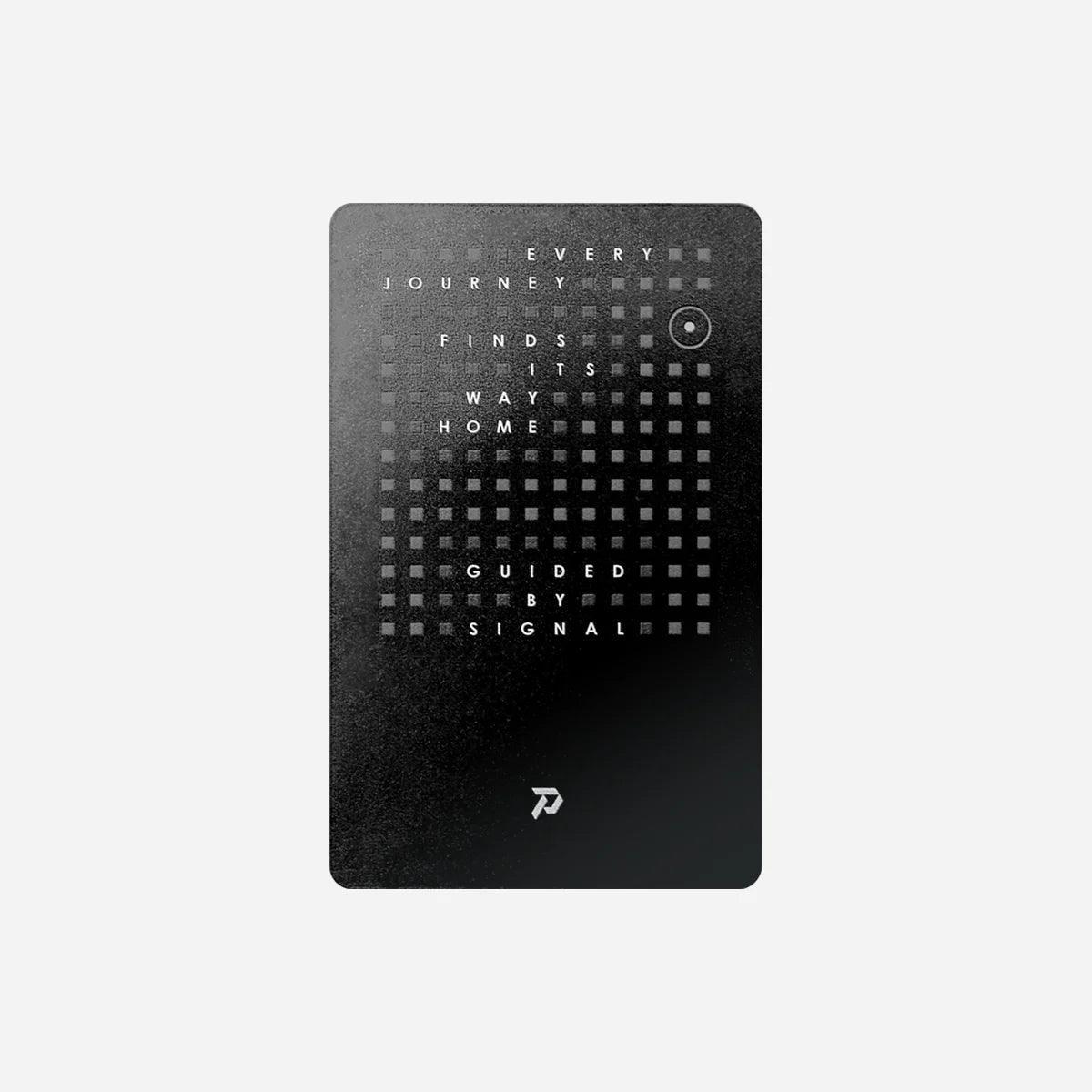
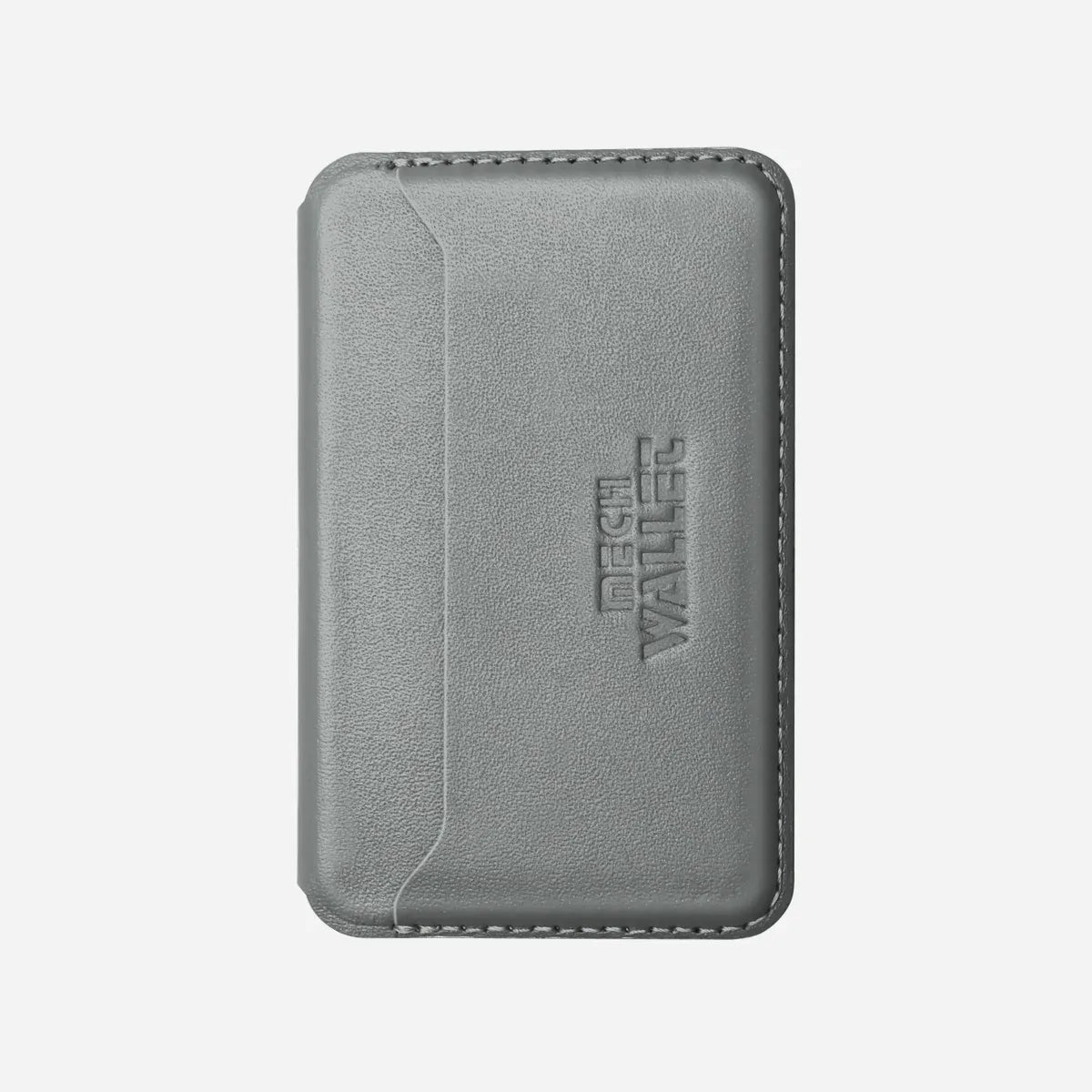
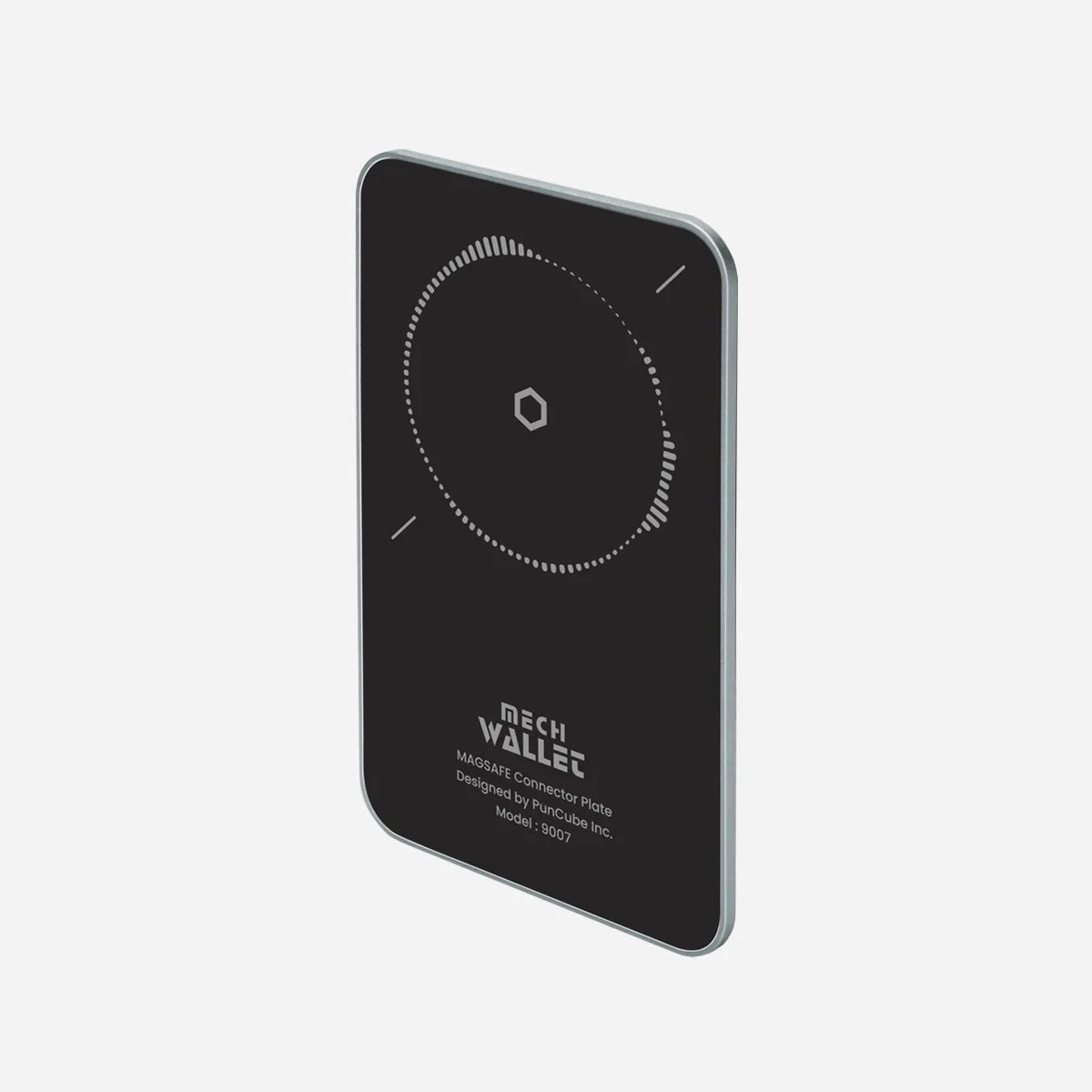
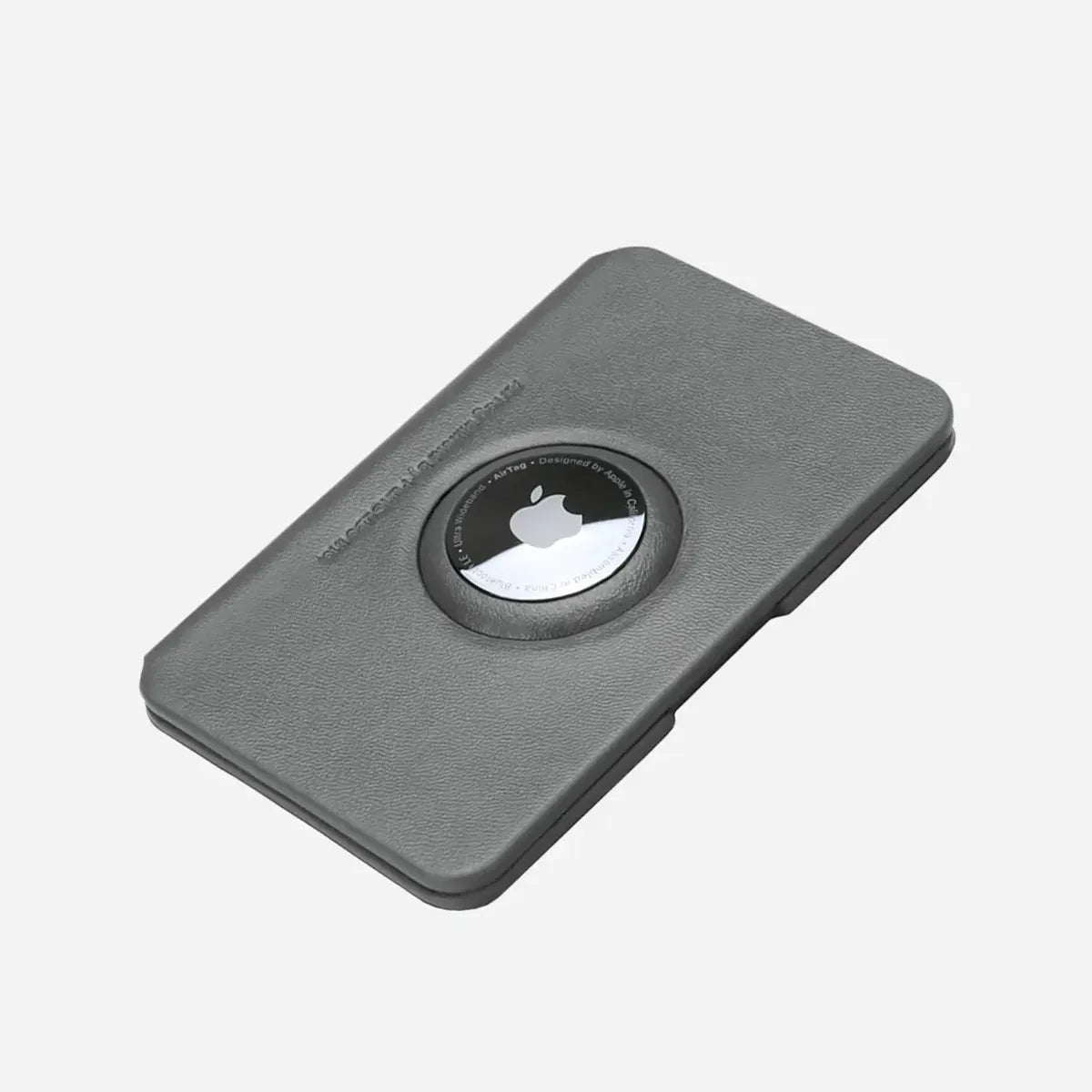
Choose the PunCube AirTag Module if you already use an Apple AirTag and want a dedicated place for it on your Mech Wallet. Choose Sentry Card if you prefer a rechargeable tracker that fits a card slot and supports iOS or Android. Your phone and the space available in your wallet should guide the choice.
This comparison uses the current PunCube product specifications and Apple's AirTag documentation. It covers buying and arranging the two setups, without claiming a side-by-side tracking-range test.
Start with the tracker you want to use
The AirTag Module is a holder for a separate Apple AirTag. It attaches to the wallet and gives the round tracker its own position. If you already own an AirTag, check its compatibility with the current module before ordering.
Sentry Card contains the tracking electronics in a card-shaped body. Its published dimensions are 85 by 53 by 1.6 mm, with a weight of 14 g. You place it in a suitable slot rather than mount it with screws.
That distinction changes the shopping list. An AirTag setup requires a compatible wallet, the module and the AirTag. A Sentry setup requires the tracker and a suitable place to carry it. A Bifold Module is an option when you want an external slot as part of that arrangement.
Which phone will you use to find the wallet?
AirTag works with Apple's Find My system. It sends a Bluetooth signal that participating nearby Apple devices can detect and relay to the network. Compatible Apple devices also support nearby finding features. Check Apple's current requirements for your AirTag generation and phone before buying.
PunCube lists Sentry Card for iOS and Android. Choose the setup instructions that match your phone and card. Dual-system compatibility alone does not establish simultaneous connection to both systems, or automatic transfer when you change phones.
For an Android owner, Sentry is the relevant PunCube option to investigate first. Putting an AirTag in a PunCube module does not change Apple's owner-setup requirements. For an iPhone owner who already uses AirTags, the module lets an existing tracker become part of the wallet.
Compare the complete carry
|
Your priority |
AirTag Module with an AirTag |
Sentry Card |
|---|---|---|
|
Tracker position |
Dedicated holder attached to the wallet |
Suitable card slot |
|
Main card stack |
AirTag stays outside the stack |
Placement determines how much card space remains |
|
Cash storage |
Module includes a compartment for cash or coins |
Use a separate cash-carry option |
|
Power routine |
Replace the AirTag battery when needed |
Recharge Sentry with a compatible Qi charger |
|
Buying extra hardware |
AirTag is purchased separately |
The card is the tracker |
Compare the wallet after everything is installed. The thickness of a tracker alone cannot tell you the thickness of a finished wallet, and empty-wallet specifications do not include your cards or cash.
If you prefer to keep a tracker out of the mechanical card stack, the AirTag holder gives it a separate home. A Bifold external slot offers another layout for Sentry. The slot you allocate to the tracker will then be unavailable for an ID or another card.
Inside the main chamber, a tracker card contributes its actual thickness to the load. Avoid subtracting exactly one card from the published capacity and assuming the remaining stack will fit. Use the capacity guide to plan the stack, then check that your own cards move freely.
Placement affects finding
PunCube's Bifold FAQ notes that Sentry Card's effective Bluetooth range may be reduced inside the metal chamber. An external slot is worth considering when keeping the tracker outside that enclosure is a priority.
After setting up the tracker, try its nearby finding function before placing it in the wallet. Repeat the check in the position you intend to use. Keep the phone and surroundings the same so the comparison tells you something useful about placement.
This is a practical setup check. It cannot establish how either tracker will perform in every building or how quickly a wider finding network will report its position. Neither option guarantees recovery of a lost wallet. The RFID and Bluetooth guide explains the signal distinction in more detail.
Choose a maintenance routine you will remember
AirTag uses a replaceable battery. Follow Apple's instructions for your model when a replacement is due.
Sentry uses Qi wireless charging. Remove it from the wallet for charging and follow the card's charging instructions. Keep charging access in mind when deciding where it will live, especially if you plan to move it between a wallet and another holder.
Before a trip or after a long period without use, check that the tracker still appears in the intended account and responds nearby. Recheck after changing its wallet position.
Which should you buy?
Choose the AirTag Module when you want to carry an existing compatible AirTag on the wallet and value the module's separate cash storage. Choose Sentry when a card-slot format and rechargeable power fit your routine, particularly if Android support is part of the decision.
If your current carry already fills every available slot, decide what can move before adding Sentry. If phone attachment is essential, check the exact accessory combination before choosing an AirTag module. The PunCube accessories guide explains the different configurations.
Start with the AirTag Module or Sentry Card, then check the complete setup against the cards and cash you actually carry.

Leave a comment
This site is protected by hCaptcha and the hCaptcha Privacy Policy and Terms of Service apply.