

A good EDC wallet gives every daily item a clear place and makes the most common action quick. Four questions usually decide the structure. How many cards are carried, how fast must one card be reached, how much cash needs a home, and which tracking system fits the phone?
No material or mechanism answers all four questions by itself. A compact metal cardholder can serve a four-to-six-card carry well. A Bifold adds room for seven to nine cards, cash, coins, and an external access slot. MagSafe keeps the wallet with a compatible phone. AirTag and Sentry Card support different finding ecosystems. A suitable setup is the smallest one that handles the actual load without forcing items or hiding a daily task behind extra steps.
Build the wallet around four daily jobs
EDC means everyday carry, so the useful evidence comes from repeated use. A wallet may need to present a payment card several times a day, hold an office badge that must tap through its slot, store two emergency bills, or carry a tracker that works with the owner's phone.
Write down those jobs before comparing materials or finishes.
|
Decision |
Question to answer |
Configuration consequence |
|---|---|---|
|
Card access |
Which card is reached most often, and must it leave the wallet to tap |
A mechanical fan speeds selection; an external slot supports a frequently scanned credential |
|
Capacity |
How many flat, embossed, sleeved, or unusually thick cards are carried |
Base Mech Wallet fits up to 6 flat or 5 embossed cards; Bifold reaches up to 9 total |
|
Cash |
Are bills occasional, regular, or joined by coins |
Money Clip suits a few folded notes; Bifold gives cash and coins enclosed storage |
|
Tracking |
Which phone and finding network will be used, and where can the tracker sit |
AirTag Module and Sentry Card solve different placement and ecosystem needs |
This framework also reveals when another wallet type is a better fit. Someone carrying twelve cards, many receipts, or unfolded notes may prefer a larger traditional bifold. Someone who needs a soft body may prefer leather or fabric. Metal is one structural choice among several useful wallet formats.
Card access starts with the most frequent action
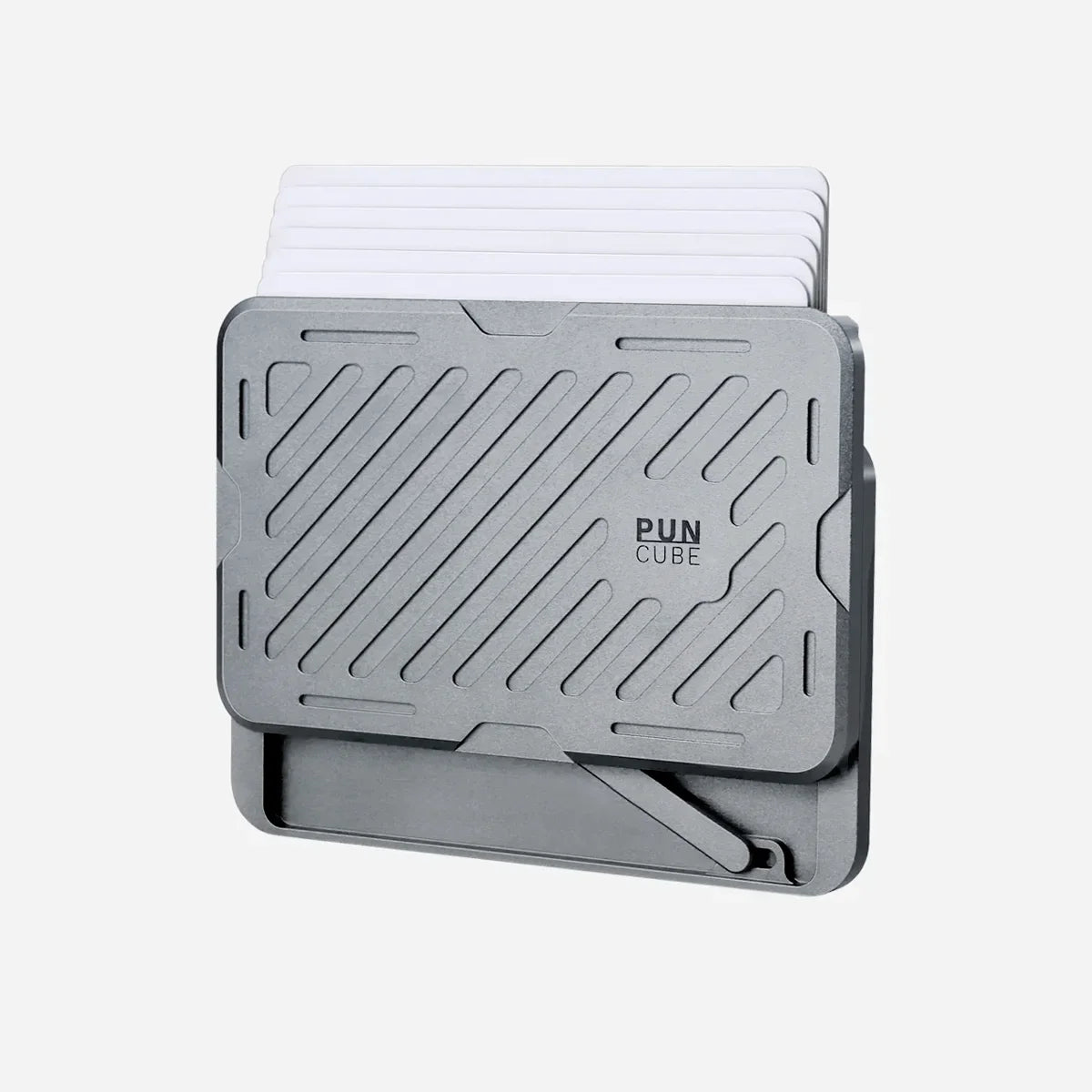
The PunCube Mech Wallet uses a side drive to raise cards in a staggered fan. Wasteland provides an audible mechanical click, Horizon uses a smooth slide, and Ripple provides quieter magnetic feedback. All three drives present the card stack in the same general way.
The practical advantage is selection. A user can see card edges and choose one without pulling out the complete stack. The order still matters. Put the most frequently used cards where they are easiest to identify and return.
Cards stored inside the metal chamber must leave it before a contactless payment or access reader can communicate with them. A frequently tapped office badge or transit credential has a different job from a protected payment card. The Bifold's external quick-access slot gives that credential a position outside the main RFID-blocking chamber.
Read the Wasteland, Horizon, and Ripple comparison when sound and thumb feel will influence daily use.
Capacity must describe the cards being carried
PunCube rates the standard mechanical chamber for six flat cards or five embossed cards. Raised characters add thickness to the stack. Sleeves, tracker cards, and unusually thick metal cards can reach the practical limit sooner.
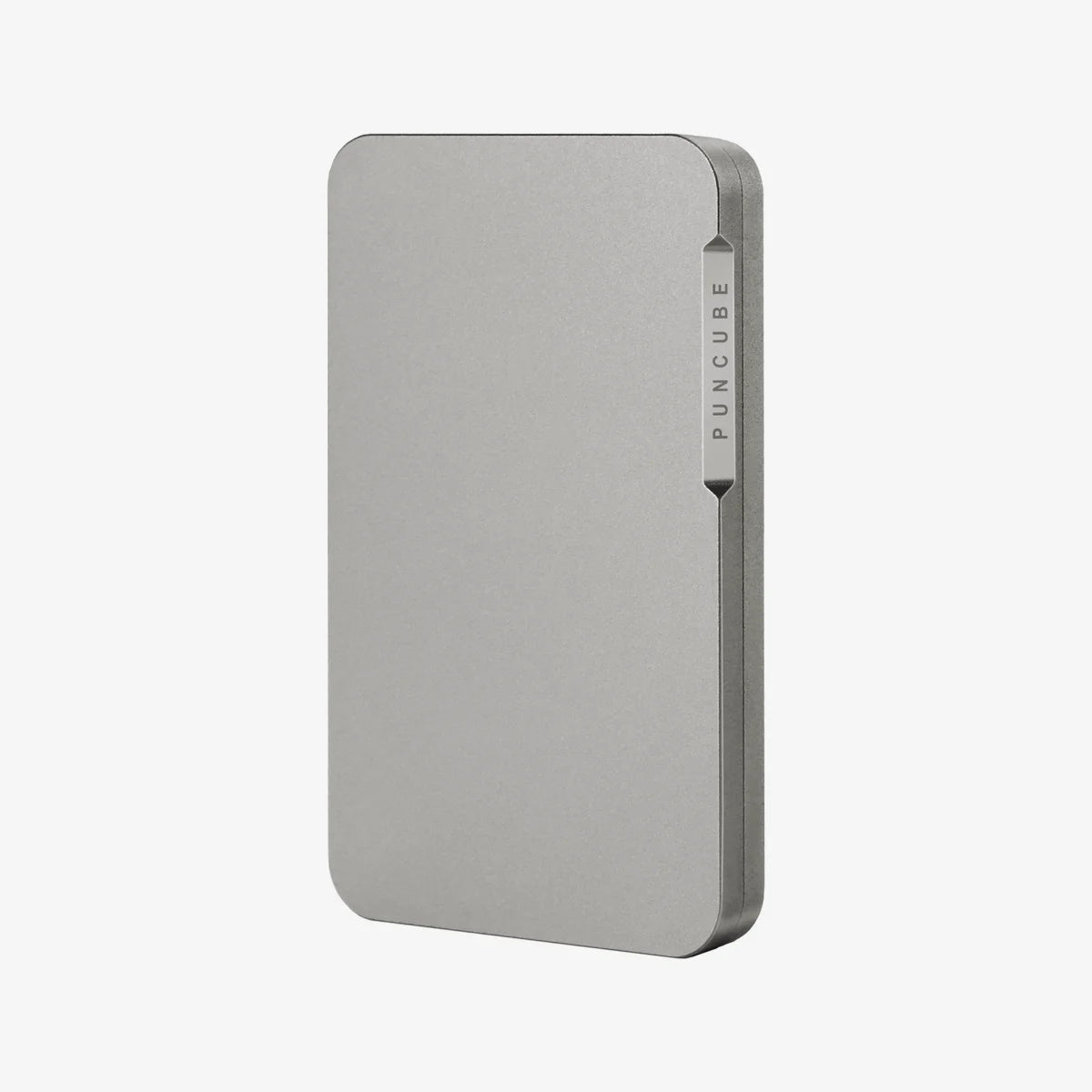
The standalone Mech Wallet therefore fits a compact four-to-six-card routine. Its aluminum body measures 98 by 60 by 8 millimeters and weighs 53 grams before accessories. Those figures should stay attached to that exact configuration.
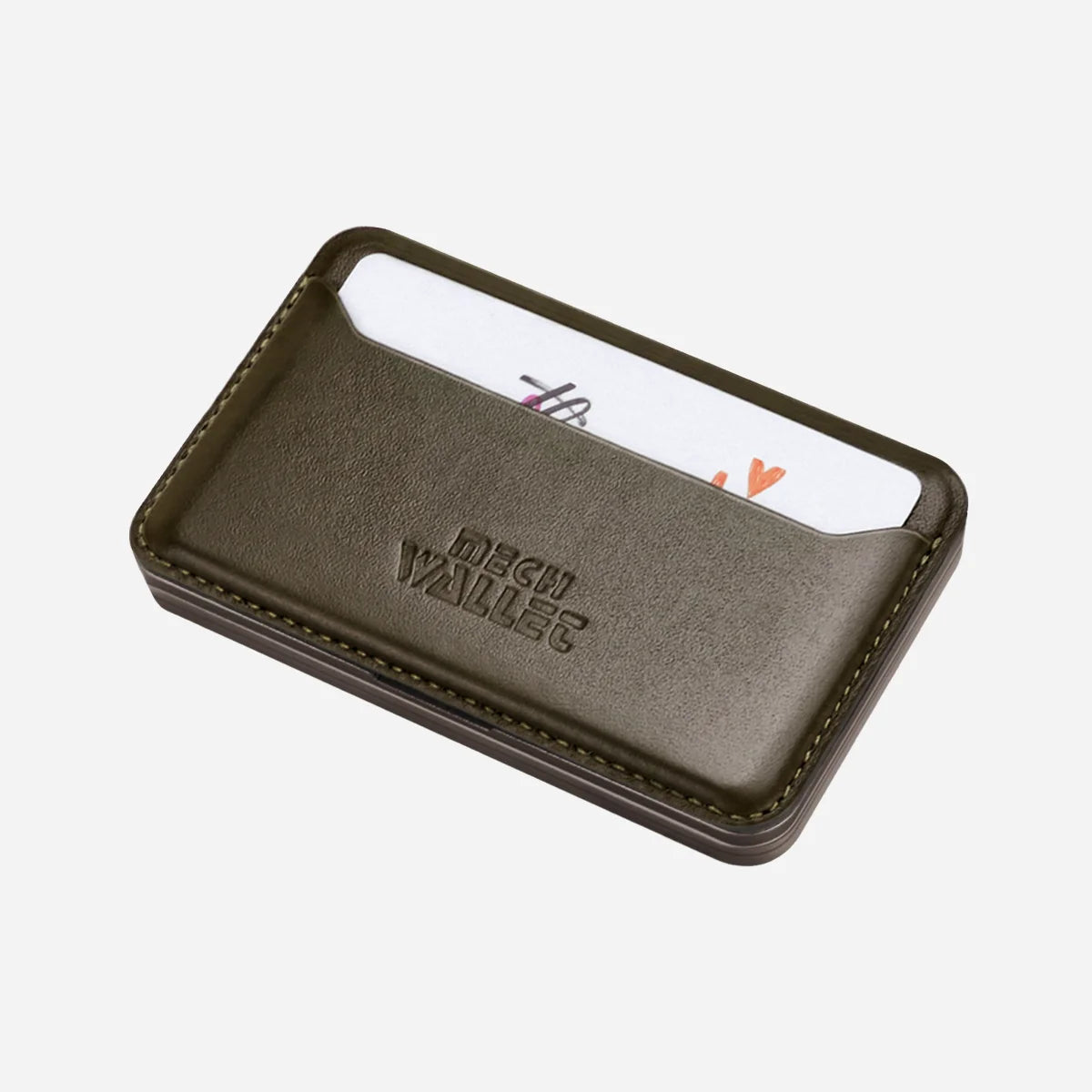
The complete PunCube Bifold Wallet reaches up to nine cards in total. It keeps the main mechanical chamber and adds separate storage in the leather section. The main metal chamber retains its standard capacity while the attached storage provides the remaining positions.
A useful capacity check counts the actual stack. Separate flat and embossed cards, include any sleeves, and decide which credentials can move to a phone without disrupting the day. A capacity claim matters only when the mechanism still moves freely and the wanted card remains easy to select.
Cash should have a defined role
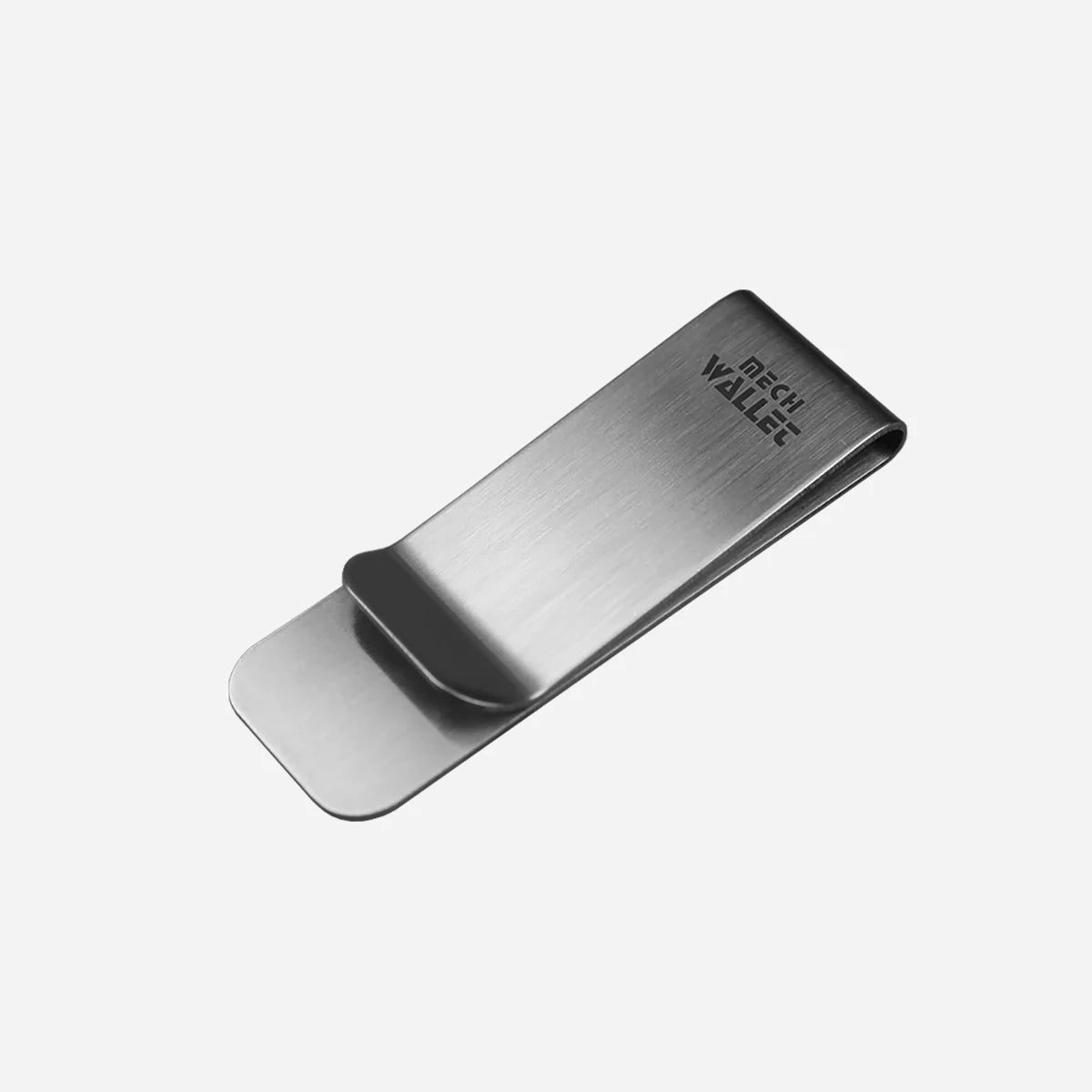
The base Mech Wallet includes a Money Clip for a few folded bills. PunCube publishes 53 grams and 8 millimeters for the standalone aluminum wallet before accessories. The finished clip setup needs its own measurement because PunCube has not published a separate complete weight or thickness for that configuration.
Bifold is intended for a more regular cash load. PunCube publishes room for up to ten bills and five to eight coins, with real fit depending on currency dimensions, fold pattern, coin size, card load, and how cleanly the magnetic flap closes.
The choice is straightforward. Use the clip when cash is occasional and compactness has priority. Use Bifold when bills, coins, or receipts need contained storage. Choose a conventional full-size bifold when unfolded currency or a large paper load matters more than a compact footprint.
The PunCube accessories overview shows how Money Clip and Bifold change the base wallet.
Phone attachment is a carry decision
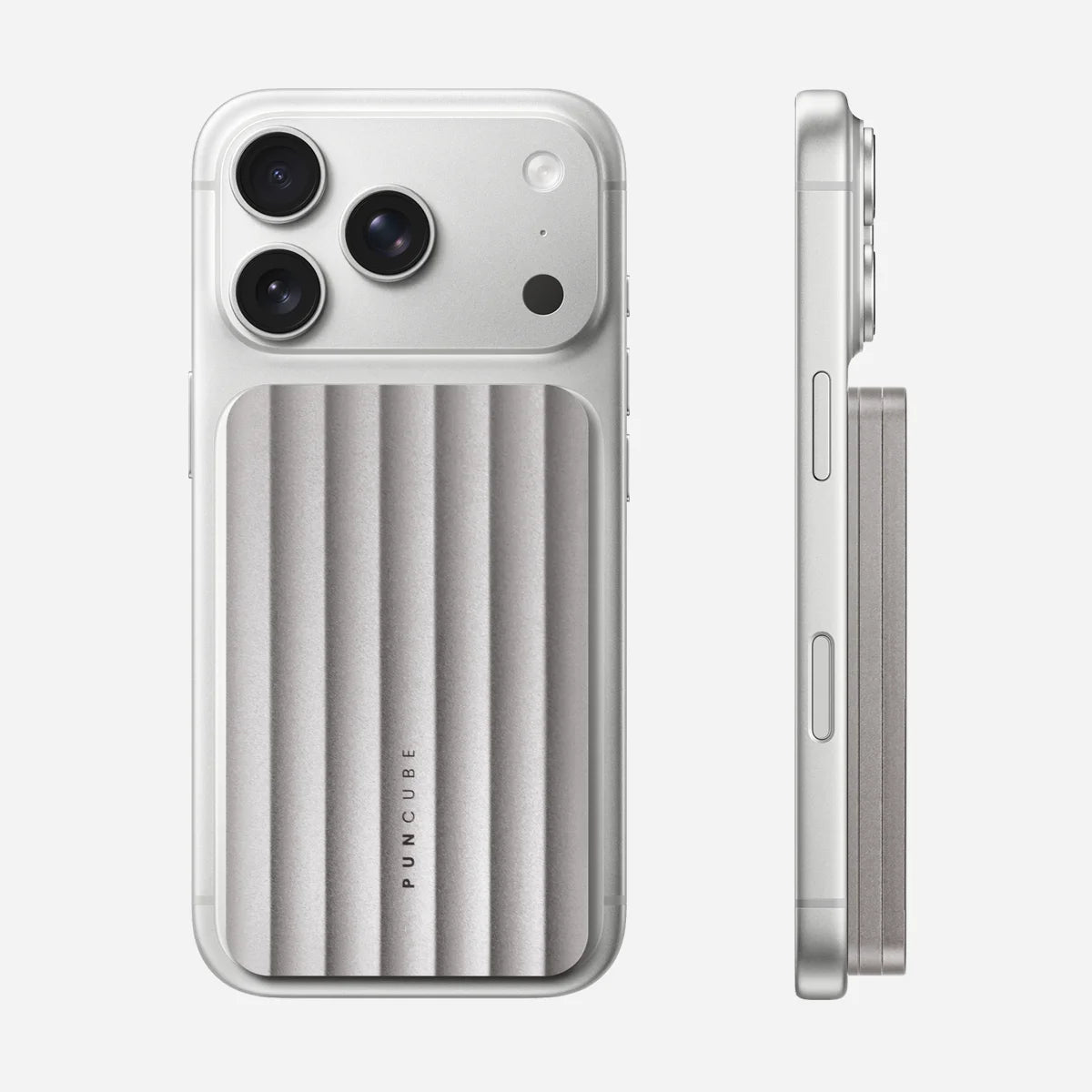
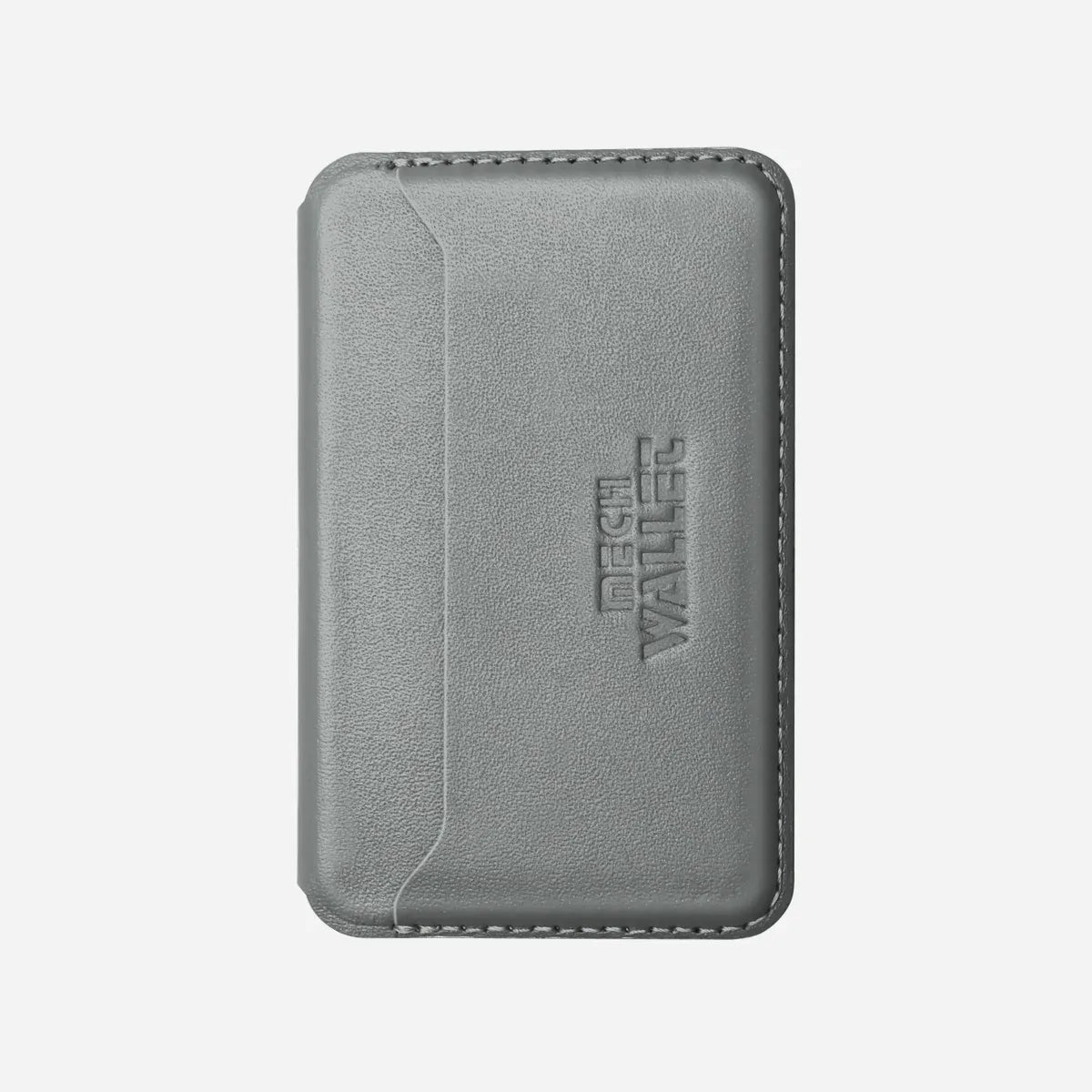
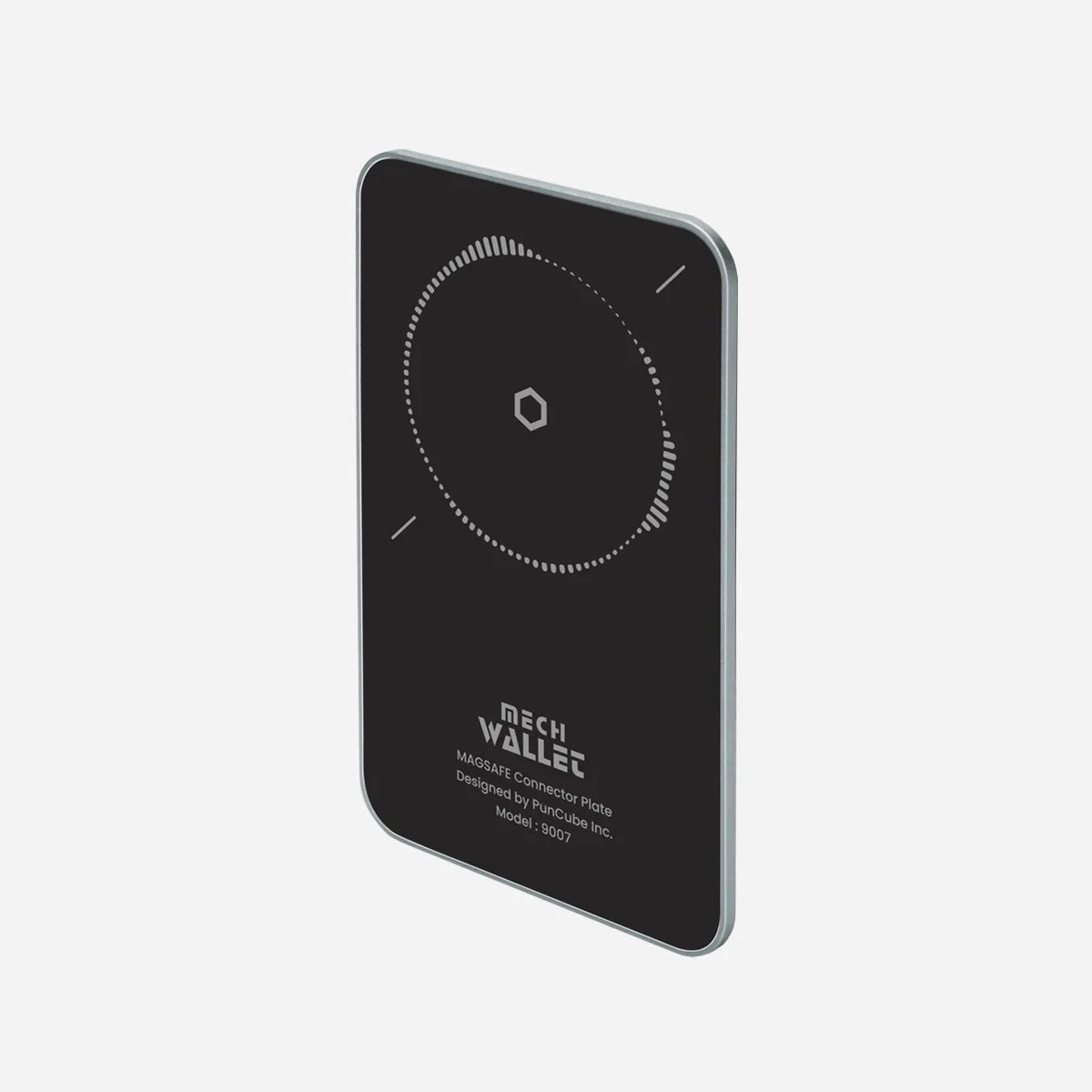
The complete PunCube MagSafe Wallet keeps the standard six-flat or five-embossed-card capacity and attaches to a compatible phone or case. It measures 98 by 60 by 10 millimeters and weighs 75 grams when empty.
MagSafe reduces the number of separate objects to pick up. It also makes the loaded phone thicker and heavier. Test the phone, case, wallet, and real card stack as one object. Check normal grip, camera clearance, pocket entry, charging routine, and whether detaching the wallet becomes a frequent extra step.
PunCube currently lists the iPhone 12 through iPhone 17 families. Android use requires a compatible MagSafe case or ring. The case or ring becomes part of attachment reliability, so evaluate the complete setup instead of the wallet alone.
Tracking needs the right ecosystem and placement
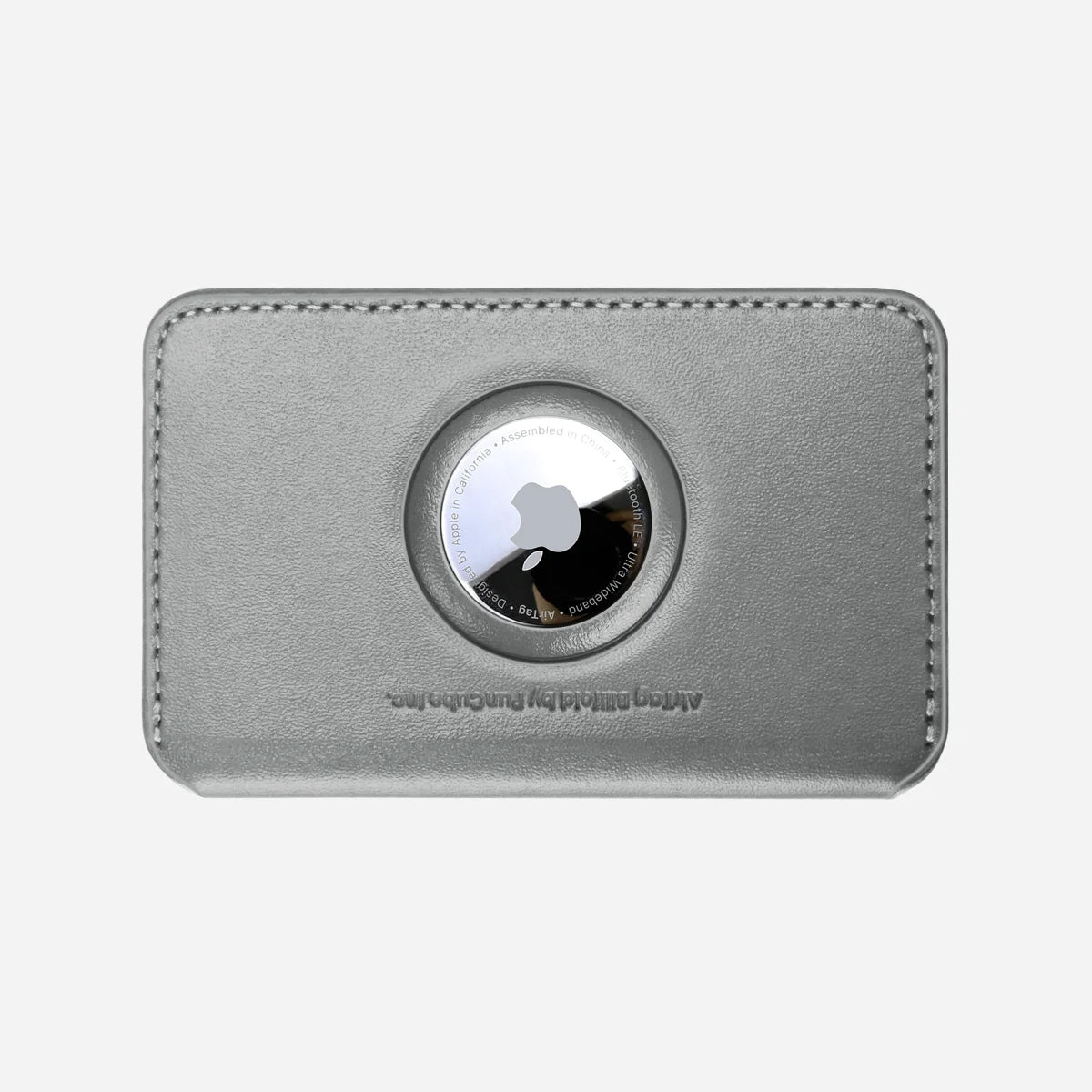
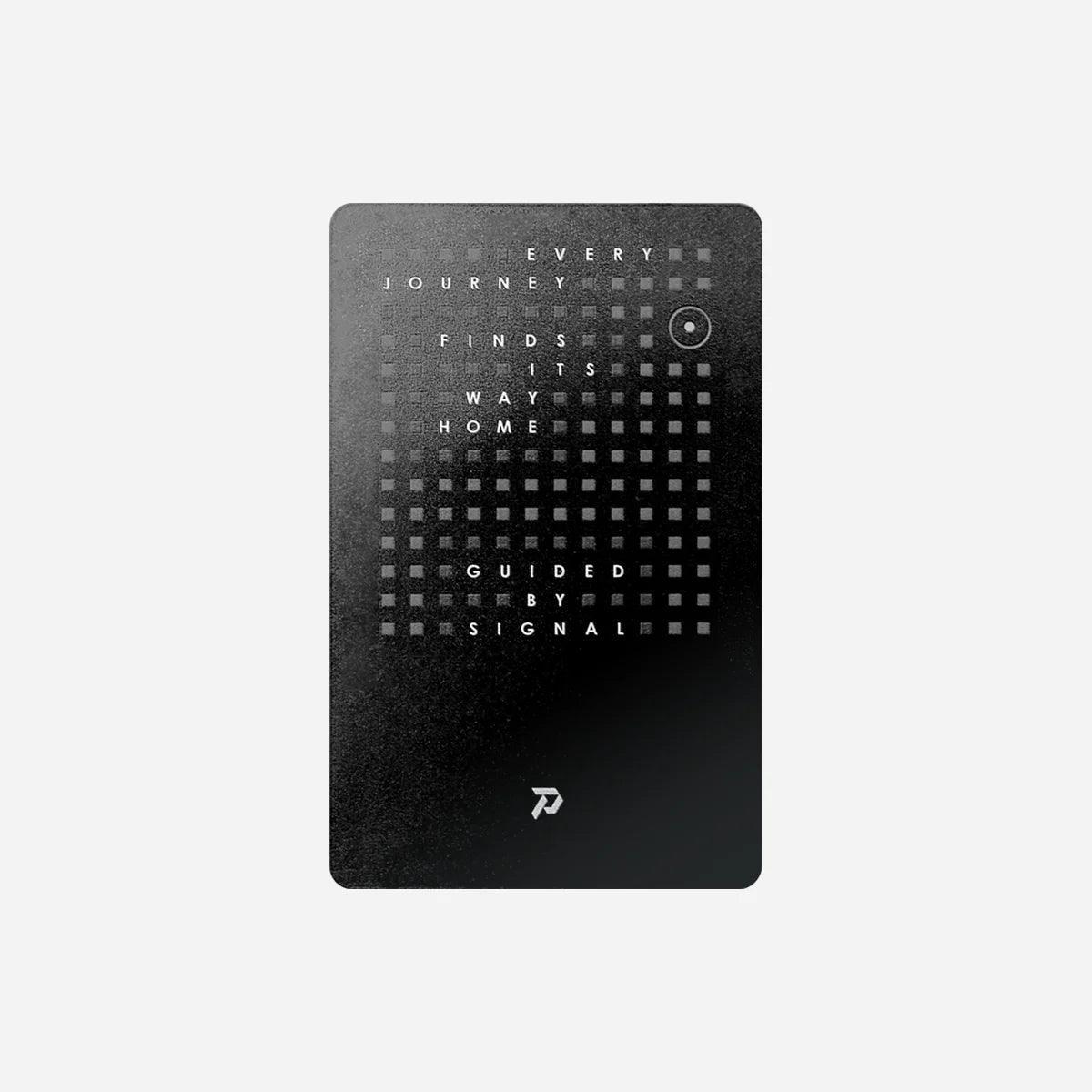
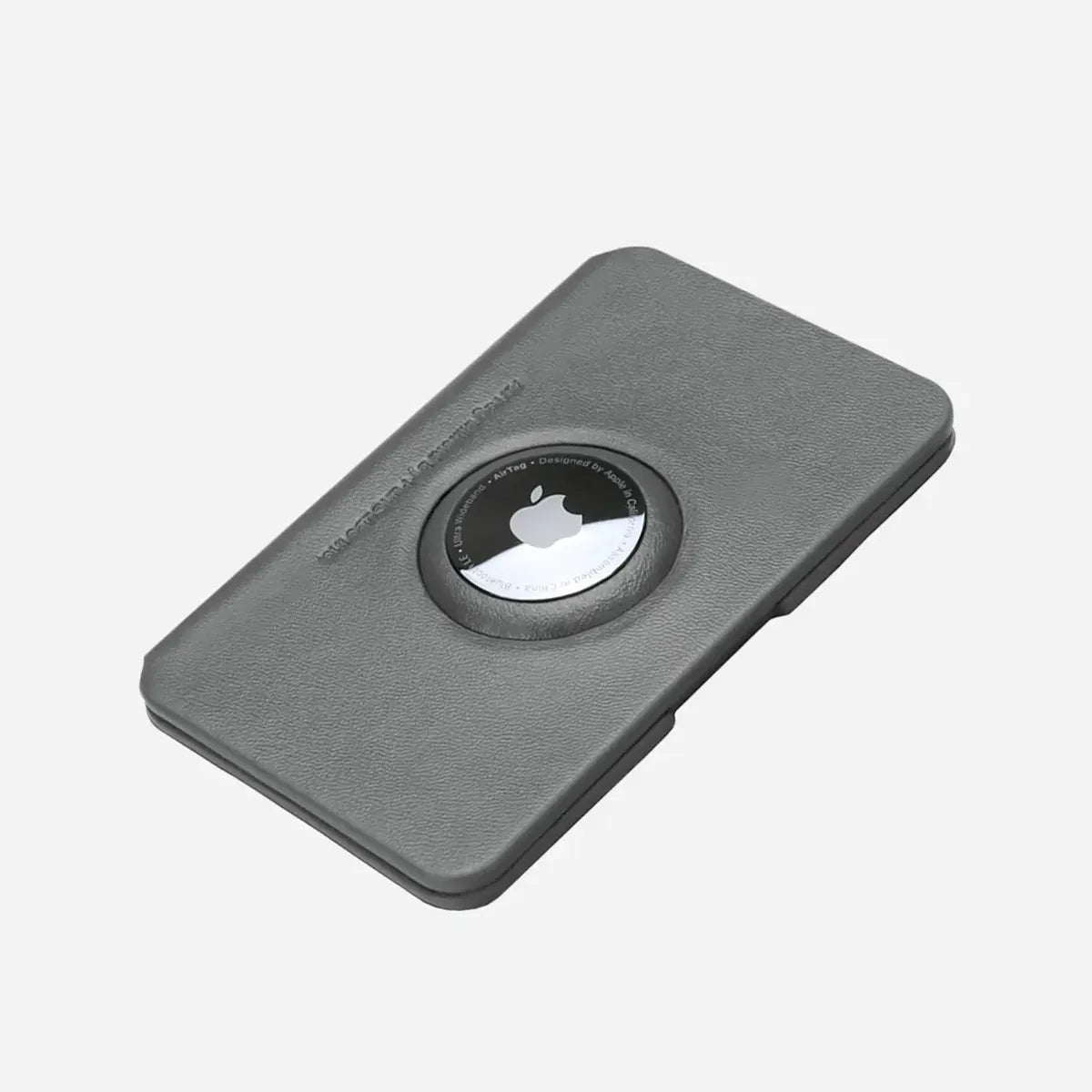
PunCube offers a dedicated AirTag Module for Apple's AirTag and a card-shaped Sentry Card for iOS or Android. AirTag itself is purchased separately. Phone ecosystem and expected placement should decide between them.
AirTag uses Bluetooth to be detected by nearby Apple devices in the Find My network. Compatible nearby iPhones can also use Ultra Wideband for Precision Finding. Sentry Card uses Bluetooth and fits a card slot.
The wallet's RFID and NFC shielding does not make all wireless technology identical. PunCube says Sentry Card Bluetooth is not blocked in the same way, while its effective signal range may be reduced inside the metal chamber. The Bifold's external slot provides a more open placement.
Tracking does not guarantee recovery. Battery condition, settings, account access, nearby compatible devices, metal placement, and the surrounding environment can all affect the result. Use the dedicated placement, verify pairing, and test the installed setup.
<!-- Add the verified live URL for Does an RFID-Blocking Wallet Block AirTag or Bluetooth Tracker Signals here after the September 11 article is published. -->
A practical PunCube configuration map
Choose the standalone Mech Wallet for four to six cards, one-handed mechanical access, and the thinnest current PunCube body. A few folded notes can use the included Money Clip.
Choose Bifold for seven to nine cards, regular cash, a few coins, or a badge that needs an external quick-access position. The Bifold guide contains its complete size, weight, and mixed-load limits.
Choose MagSafe when keeping wallet and compatible phone together earns the added thickness and weight. It keeps the standard card capacity.
Choose AirTag Module when the owner uses Apple's Find My ecosystem and wants a dedicated AirTag position. Choose Sentry Card when a card-shaped iOS or Android tracker matches the device ecosystem and storage layout. The current Bifold product page contains PunCube's placement warning for Sentry Card inside metal.
Run a one-week carry audit
Empty the current wallet and divide everything into daily, weekly, and rarely used items. Keep daily items in the first trial. Photograph the stack so the decision is based on a visible load.
Count flat and embossed cards separately. Record how often the main payment card and access badge are used. Count the largest normal cash and coin load from the previous month. Choose the tracking ecosystem before choosing the tracker shape.
Build the smallest configuration that covers those daily jobs. Carry it for a week and record moments of friction. A hard-to-reach badge may need the external slot. Unused Bifold space may point back to the base wallet. Constantly detached MagSafe hardware may mean phone attachment is solving a problem that does not occur.
Review the setup after the week. Remove the feature that has no job and add capacity only where the diary shows a repeated need. This process produces a personal EDC answer without relying on a universal best-wallet ranking.
Frequently asked questions
Is a metal wallet always better for EDC
No. Metal gives a rigid structure, mechanical card access, and RFID or NFC shielding in PunCube's main chamber. Leather, fabric, and larger bifolds can be better for flexibility, unfolded cash, receipts, or higher card counts.
How many cards fit the base PunCube Mech Wallet
The published capacity is six flat cards or five embossed cards. Mixed stacks, sleeves, tracker cards, and unusually thick cards should be checked by their actual profile.
Which setup fits seven to nine cards
The complete Bifold Wallet is rated for up to nine cards in total. It also provides cash and coin storage and an external quick-access slot.
Which PunCube setup works for cash
The Money Clip suits a few folded notes. Bifold suits a more regular bill load and can also hold coins. Large paper loads or unfolded currency may fit a conventional bifold better.
Does an RFID-blocking wallet stop a tracker
RFID, NFC, Bluetooth, and Ultra Wideband have different functions. Metal placement can affect a tracker, and PunCube warns that Sentry Card range may be reduced inside the chamber. Use the intended position and test the complete setup.
What should I choose first, a drive or an accessory
Choose capacity and storage structure first, then choose Wasteland, Horizon, or Ripple for preferred sound and feel. The accessory determines what the wallet carries. The drive determines how operating it feels.
Start with the PunCube Mech Wallet, compare the Bifold guide, review the MagSafe guide, and use the accessories overview to assemble the smallest complete setup that covers the real carry.
<!-- After the September 21 final setup guide is published, add it as the closing next-step link above. -->

Leave a comment
This site is protected by hCaptcha and the hCaptcha Privacy Policy and Terms of Service apply.