

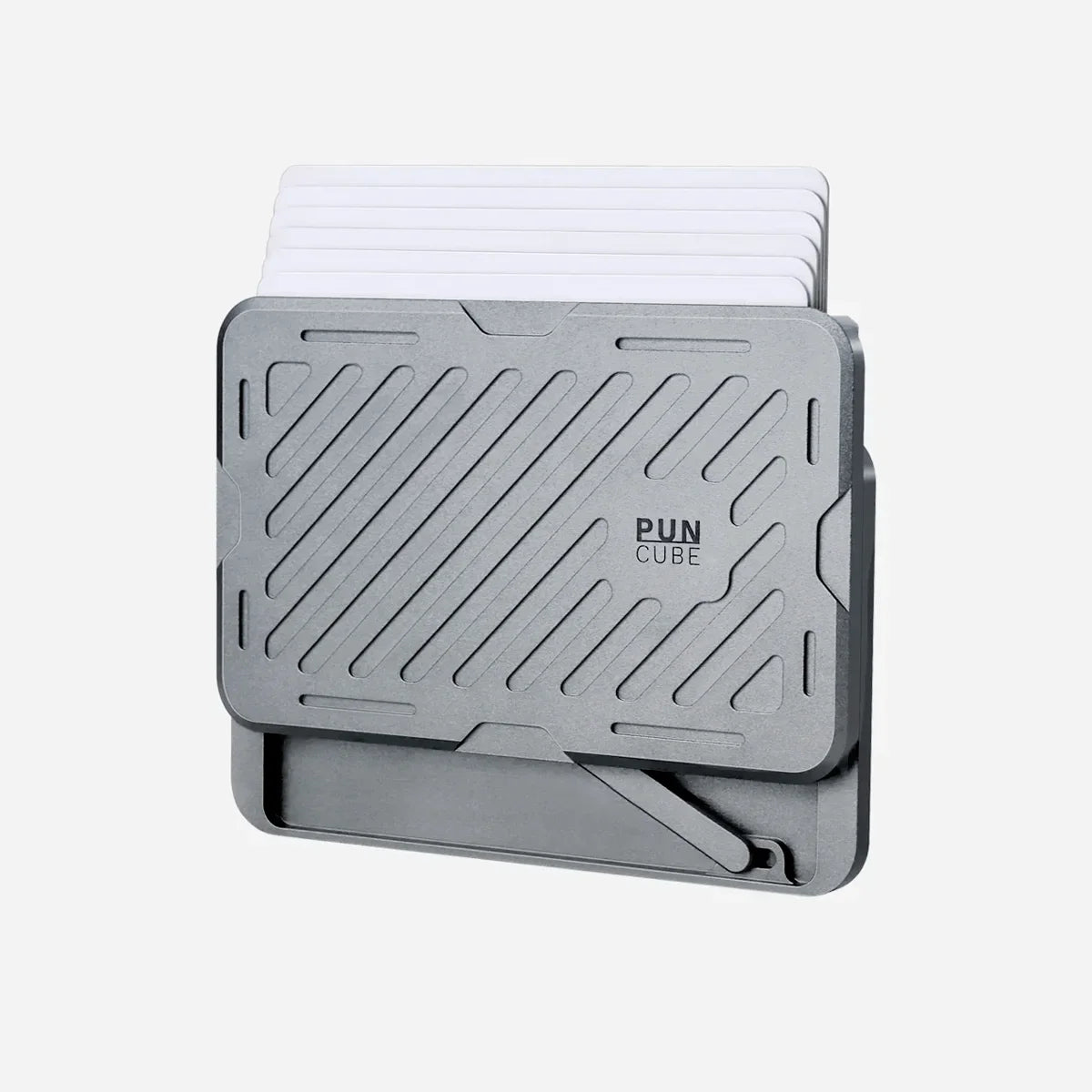
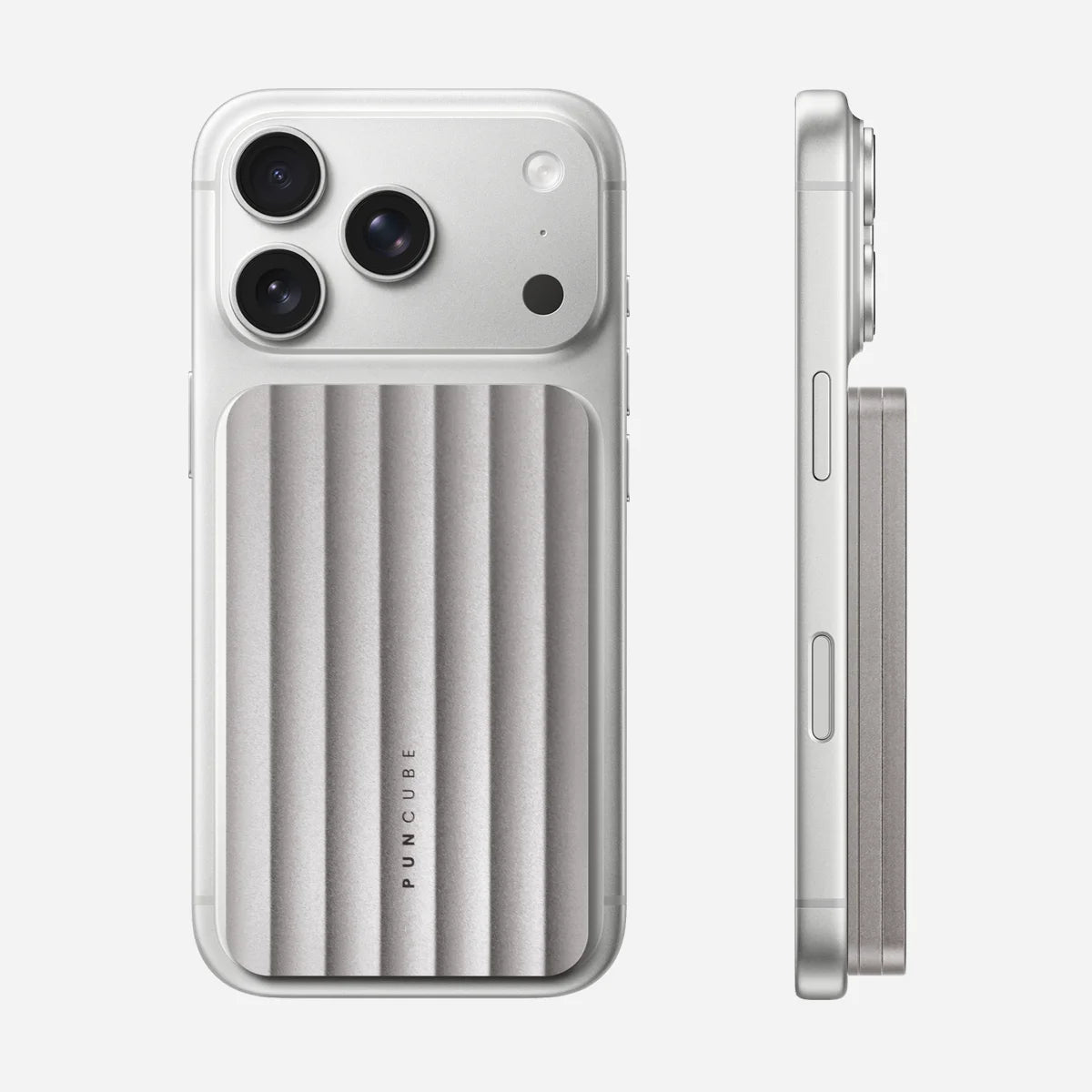
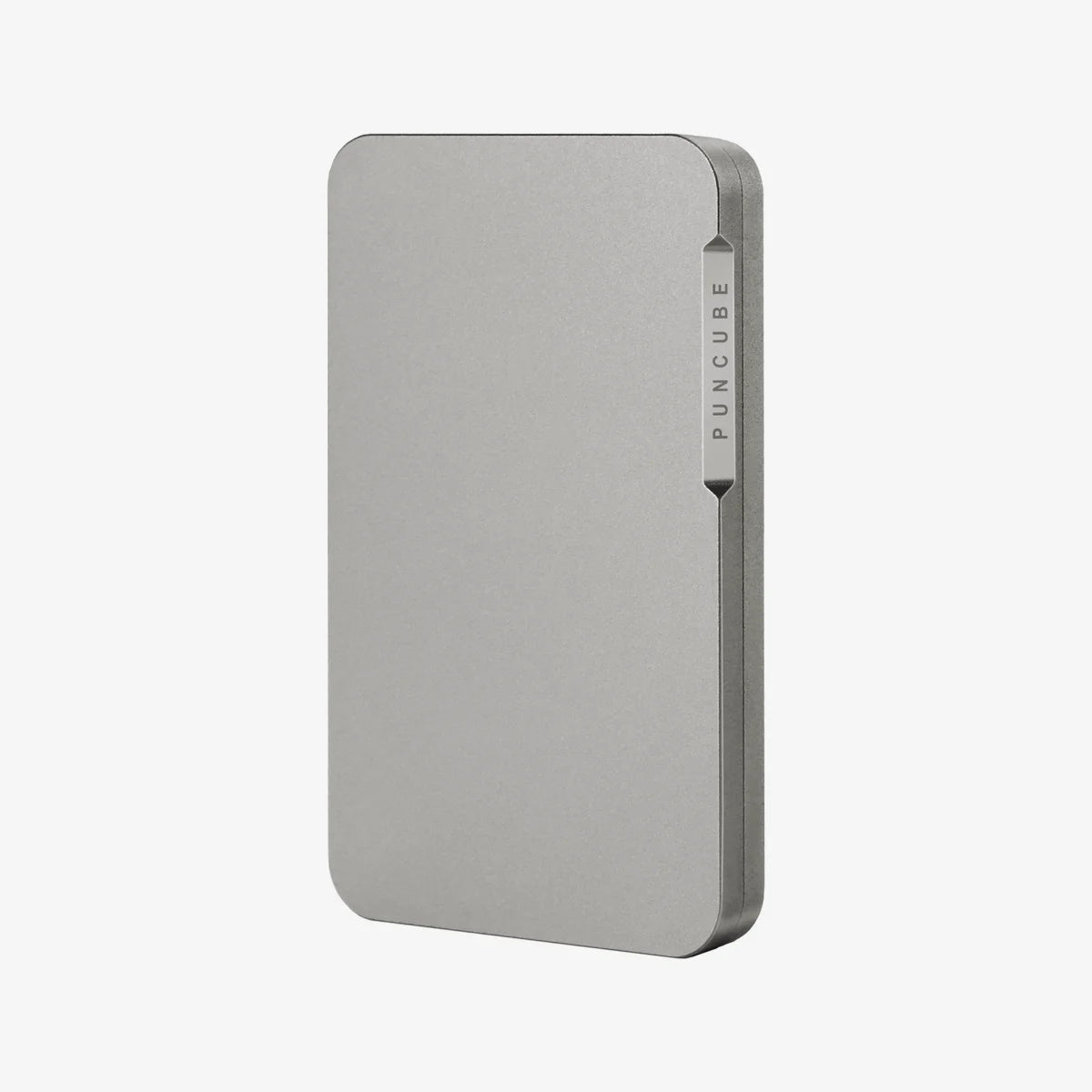
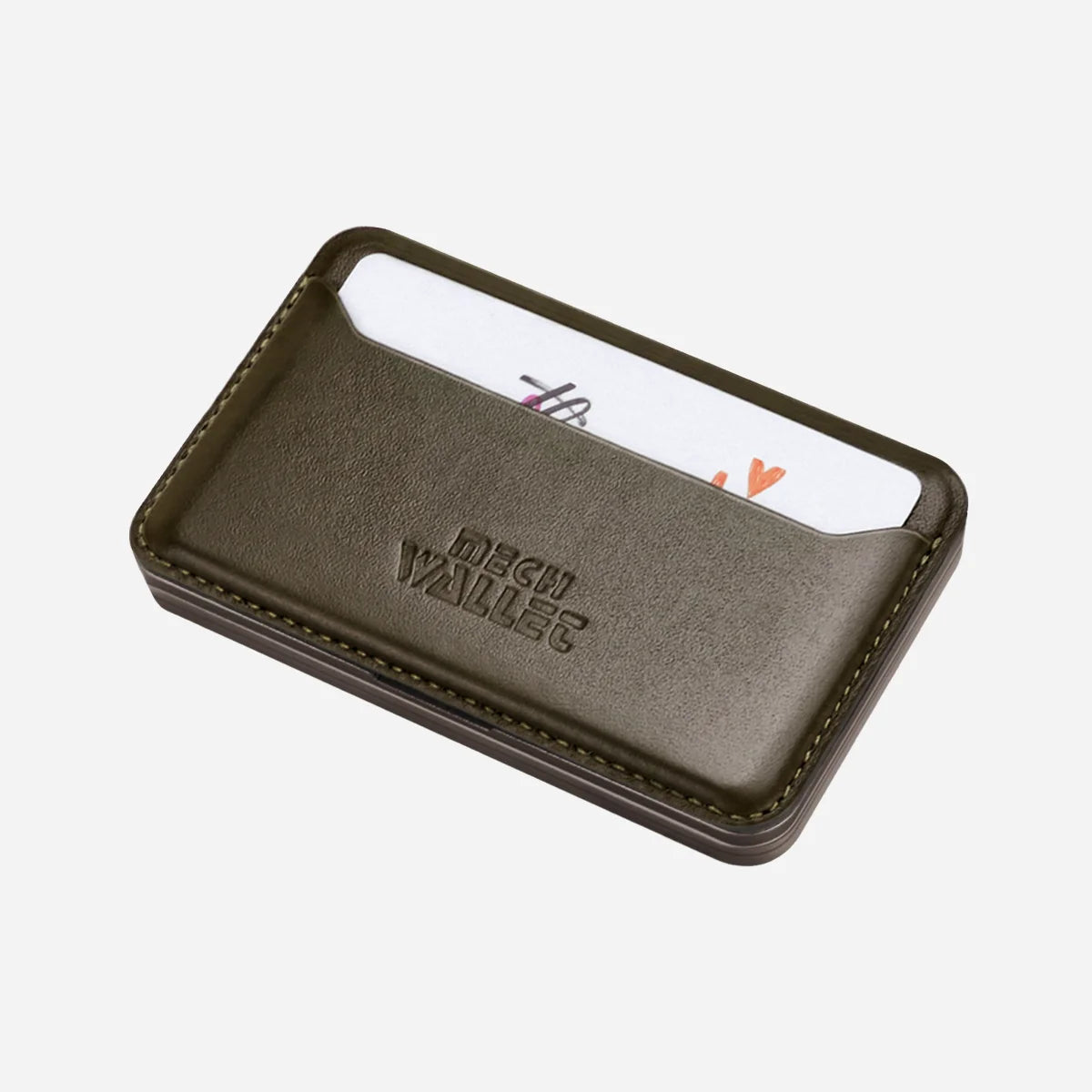
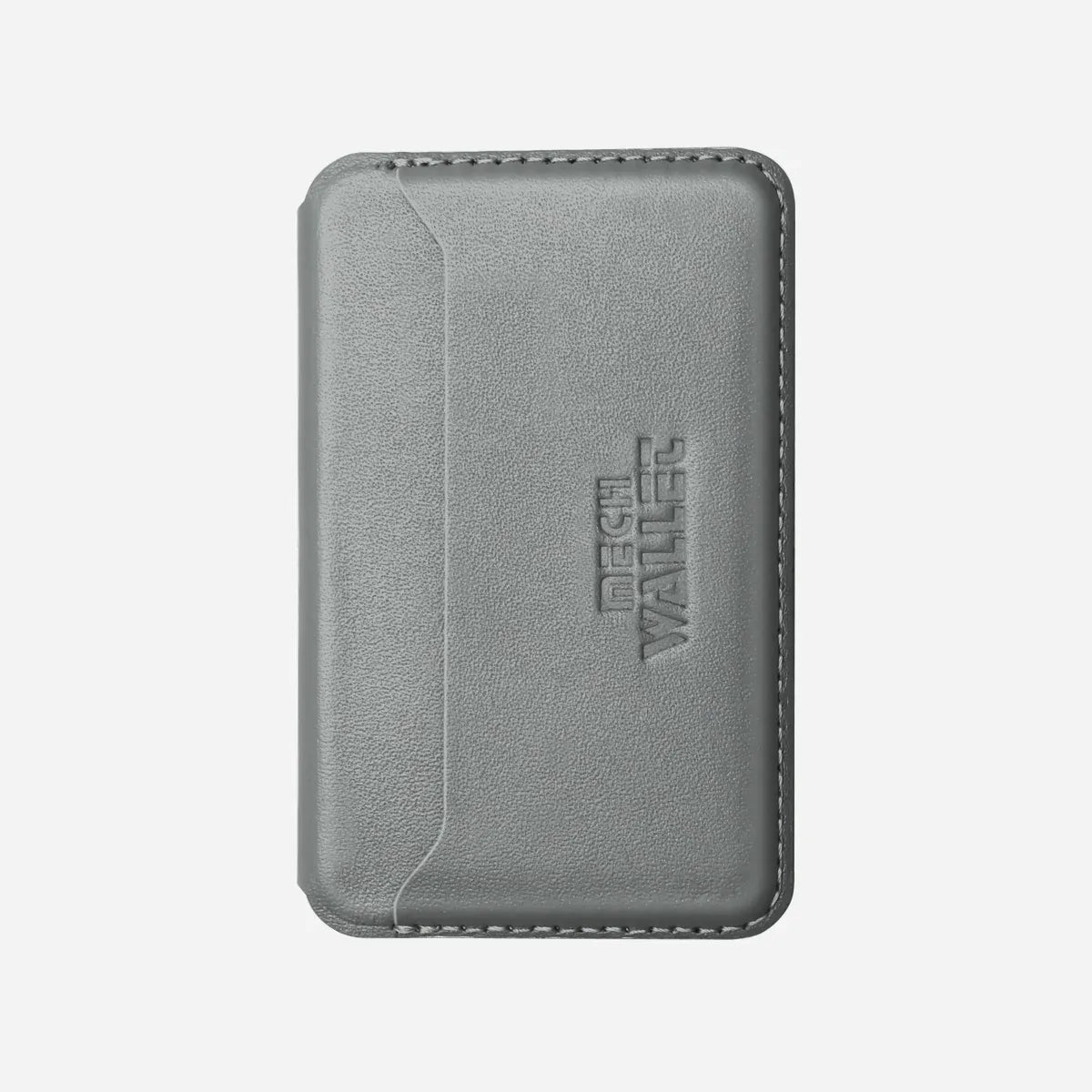
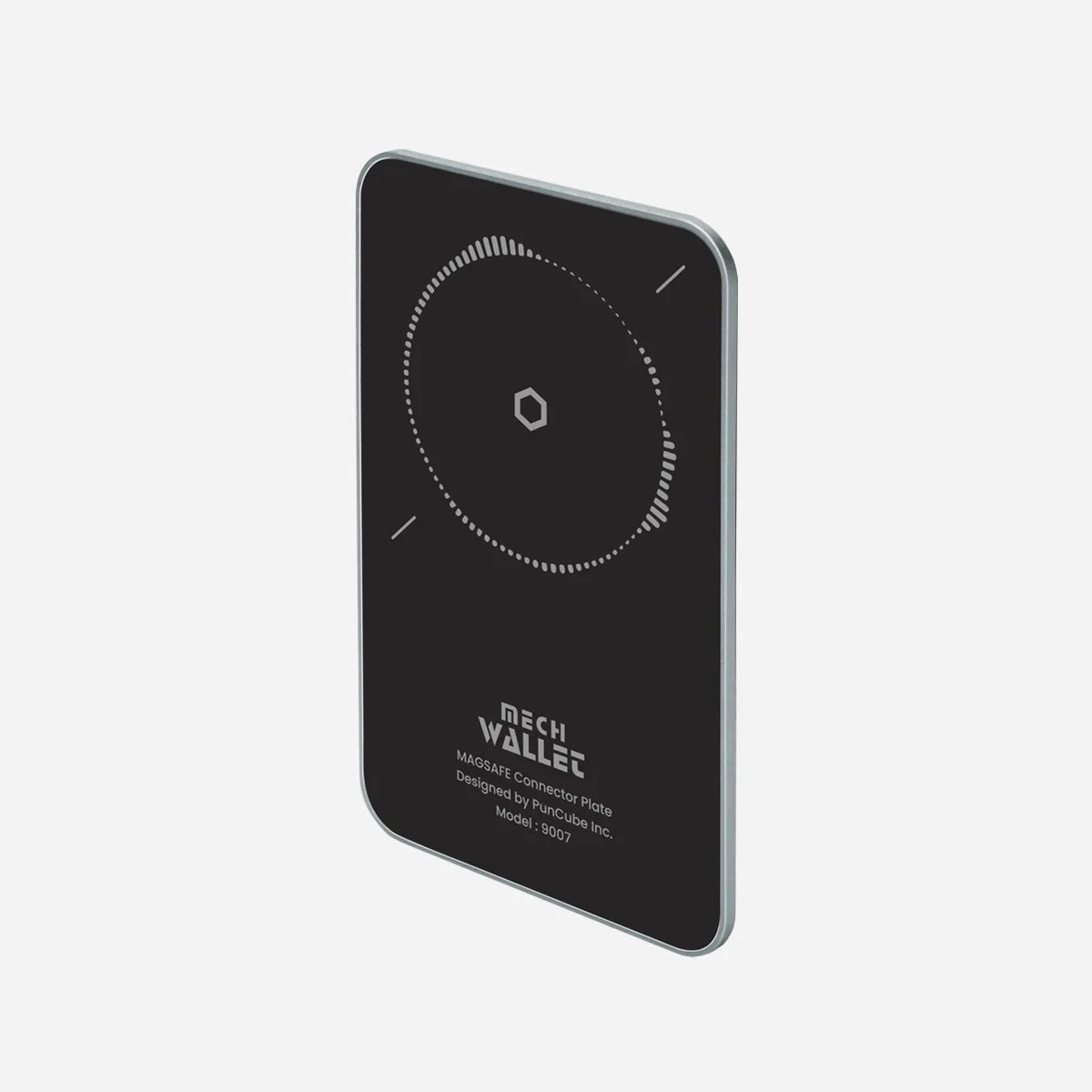
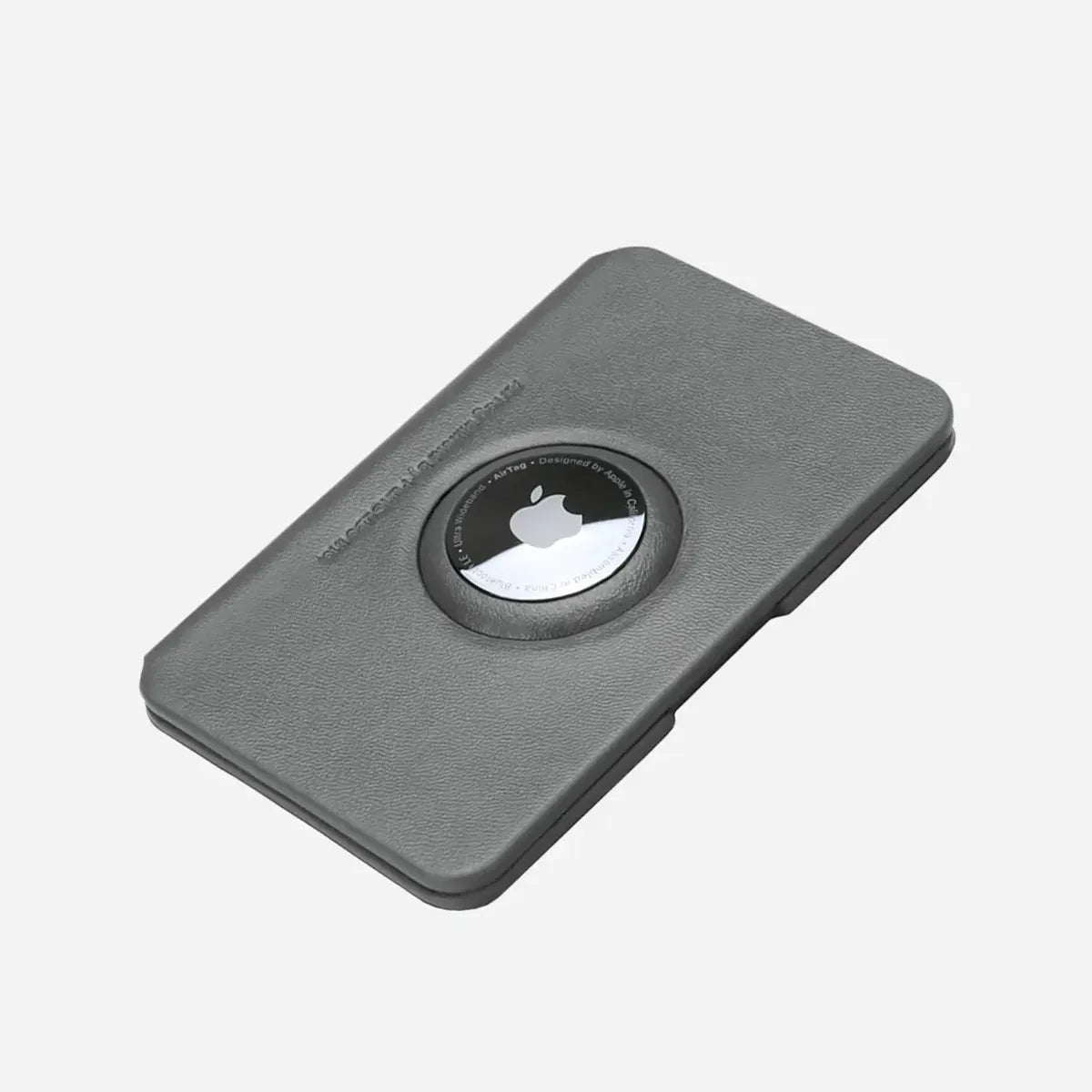
PunCube's card fan is the visible result of moving the Mech Wallet's side drive. A stored stack sits inside the metal chamber. As the thumb moves the drive, the card edges rise at different heights. At the end of the motion, the cards form a staggered fan from which one card can be selected. Those three visible states explain the user action without claiming knowledge of the wallet's unpublished internal parts.
The fan helps with a small, repeated task. The user sees several card edges after one thumb movement and can choose a card without first removing the entire stack. The card still needs to be pulled out for payment or identification. Contactless cards enclosed in the RFID-blocking chamber also need to leave it before they can tap a reader.
Begin with the cards stored
The PunCube Mech Wallet keeps its primary card stack in a rigid metal chamber. PunCube publishes capacity for up to six flat cards or five embossed cards in that chamber. Raised lettering creates high points in a stack, which is why the embossed limit is lower.
At rest, the cards remain inside the wallet rather than spread across individual leather slots. The order of that stack matters. Frequent cards can be placed where their edges are easiest to recognize once the fan rises. The owner learns the order through use and can keep it stable until the carried cards change.
A clear demonstration should show the wallet from the same side in every frame. The stored frame needs to include the drive and the card opening. Label the number and type of cards. Otherwise an empty-wallet clip may make the mechanism look easier than it is with an everyday stack.
Move the side drive with one thumb
Place the wallet in one hand and move the side drive through its normal travel. PunCube describes the result as one-handed access. During the stroke, the top edges of the cards become visible. The cards do not need to be pulled from the chamber as one block before the user can identify a target.
This is the moving state in the planned visual sequence. Film it at normal speed first. A second slow-motion view can make the changing card heights easier to see, provided the playback rate is labeled. Keep the thumb in frame so viewers can connect their input with the rising stack.
Wasteland, Horizon, and Ripple give this movement different feedback. Wasteland has a Clicky pinball feel, Horizon a Smooth slide, and Ripple Quiet magnetic feedback. Their drive sensations differ, while the basic card-access result stays the same. The mechanical fidget-wallet guide focuses on that tactile category; the action here is the card fan itself.
Select a card from the revealed fan
Finish the drive movement and hold the wallet steady. The card edges stand at staggered heights, giving the fingers distinct points to grasp. Select the wanted card, use it, then return it to its place in the stack and reset the drive.
This revealed state is the third still image. It should show the same five cards used in the stored and moving frames, in the same order. If the demonstration switches stacks between frames, the sequence no longer proves what happened during one movement.
The fan presents cards for selection. It does not perform the final card choice for the user. A frequently used card can still be awkward if placed in a hard-to-grasp position, and an overfilled chamber can stop the fan from forming cleanly. The PunCube capacity guide explains how flat, embossed, sleeved, and unusually thick cards affect the working load.
How this differs from individual slots
A traditional bifold separates cards into slots. The user opens the wallet, finds the appropriate slot, grips that card, and pulls it out. That can be useful when several groups of cards need dedicated positions. It also makes the layout visible after opening the wallet.
The PunCube fan keeps the main cards in one chamber. One thumb stroke presents their edges together. A stable four-to-six-card carry can be easier to scan that way. Someone carrying many changing cards may prefer multiple slots or a larger wallet rather than trying to force them into a fixed-capacity chamber.
There are also cardholders that push an entire stack partway out and leave the owner to fan it by hand. PunCube's staggered reveal handles more of that arranging step within the drive movement. These are observable differences in how cards are presented, not claims that one structure is fastest for every user.
Show the mechanism without inventing its interior
An outside view establishes the relationship between thumb movement and the changing card positions. It does not establish the number of gears, springs, teeth, or magnets inside any drive. PunCube's current public Mech Wallet page describes the side-slide action and three feel options but does not publish a complete internal engineering diagram for each version.
The most useful evidence is simple. Capture the stored, moving, and revealed states with a fixed stack. Include one uncut normal-speed take that starts before the thumb moves and ends after the chosen card has been returned. If slow motion is added, present it as an explanation of visible travel, not as an unaltered sound or speed test.
For a fair comparison with a slotted wallet, load both with the same five cards and show the entire action from pocket retrieval to card selection. A close-up of only the fan can show the attractive part of the movement while hiding steps that a buyer will still perform.
A practical check with your own cards
Start within the published capacity. Insert the real cards in a chosen order and operate the drive normally. Observe whether their edges separate clearly, whether the desired card can be gripped, and whether the stack returns without pressure or catching.
If the drive needs noticeably more force after a card is added, or the fan becomes uneven, remove that card and try again. Sleeves, damaged edges, and unusually thick cards can change fit even when the item count remains below six. PunCube recommends standard plastic or metal cards for the main chamber and says a built-in damping block holds them in place.
The final test is the ordinary task. Select a payment card, remove it fully, return it, and put the wallet away with one hand if that is how you intend to carry it. The visual sequence explains the fan; your own stack establishes whether the access pattern suits you.
Frequently asked questions
Do the cards eject fully from the wallet
The drive raises them into a staggered fan for selection. The user removes the chosen card to use it.
Can I tap a payment card while it stays in the metal chamber
No. PunCube says the chamber blocks RFID and NFC communication for enclosed cards. Remove the card before tapping.
Do all three drives make the same fan
PunCube says Wasteland, Horizon, and Ripple access cards the same way. Their Clicky, Smooth, and Quiet feedback changes the operating feel.
What if the fan stops rising cleanly
Check the card count and card thickness first. Do not force an overloaded stack. If a normal load still fails to move or secure cards properly, document the behavior and contact PunCube support.

Leave a comment
This site is protected by hCaptcha and the hCaptcha Privacy Policy and Terms of Service apply.